With each new generation of the Apple Watch, Apple expands the functionality and variety of available watch faces, allowing users to select and customize them according to their needs and interests. When launching the Apple Watch Series 5, Apple went so far as to introduce several brand new "complications," adding to the long list of informational widgets (in software language, not watchmaking technology) available for Apple Watch users to choose from. In this article, I would like to discuss the importance of complications on watches in general and also review some of the latest and most important bits of information that Apple Watch users now have access to in the world's most popular smartwatch.
The Apple Watch, as a product, is heavily influenced by traditional watches. The term "complication" (which Apple loves to use) comes from the world of traditional mechanical watches. A "complication" more or less means a function that the mechanism can perform. The ability to indicate the date on a watch dial is an additional complication. Other time zones, alarms, or a stopwatch (chronograph) are all their own complications. This term reflects the historical fact that the more functions traditional watches had, the more complex their mechanism had to be. More complex watches were generally more expensive to manufacture and design, which entailed a higher cost. Over the years (and still among watch collectors), the more "complications" a watch had, the more desirable it was.
A "widget, function, or informational display" might be a more suitable term for a complication on smartwatches, but the historical relevance and convenience of "complication" make this term relevant for smartwatches when it comes to the number of functions available on the watch face display. The original "complication" of smartwatches was the ability to receive call notifications on the wrist. Beyond that, most smartwatches did not add significant complications to the dial that were not present in traditional mechanical watches.
I find this an interesting state of affairs because with the advent of direct internet connectivity, as well as more sophisticated built-in sensors, one would think that smartwatches would immediately innovate in the area of complications that users have come to enjoy on the wristwatch display. But smartwatch manufacturers quickly discovered that the user evaluates the utilitarian value of smartwatches not by the potential information they can display, but by the quality of the user interface that allows this information to be brought to the screen. Indeed, in the era of smartwatches, the real issue with data is not in its collection or complexity of calculation, but in how and when to display it.
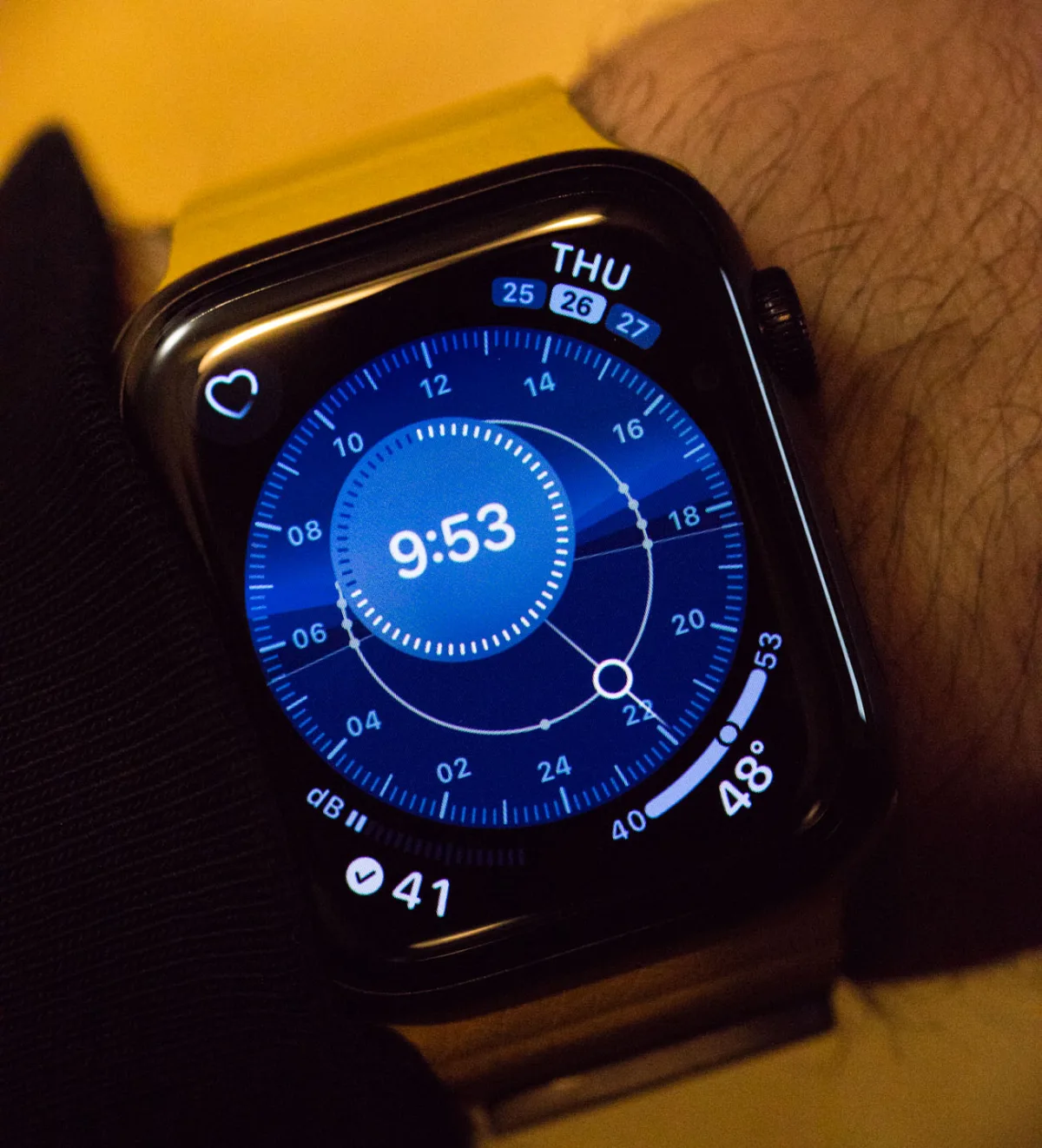
Even today, as the Apple Watch is in its fifth iteration, the industry of specialized smartwatch display user interface designers is just emerging. Apple, for example, has its own team that they have trained, and no third-party app developer can create substitute or alternative watch faces for the Apple Watch. Google Wear OS, on the other hand, has a more liberal approach to creating watch faces, allowing users to download third-party displays. Nonetheless, in some respects, the closed display environment of Apple Watch OS makes sense. Designing a face for smartwatches is not easy, and it is probably not worth entrusting this task to others. This is easily confirmed by the fact that the market for watch faces for Wear OS is full of poorly designed faces or decent faces that are more or less imitations of the design of well-known traditional watches.
We are patiently watching the development of the world of smartwatch faces, but even now, many interesting developments deserve attention. A successful watch face begins with the question: "What do you need to know when viewing this watch face?" In the case of smartwatches, the virtually endless variety of information that can be placed on the dial does not help improve the situation. Therefore, before creating a developed industry of smartwatch face designers, it is necessary to develop a list of smartwatch complications that users expect and rely on.
In the 5th series of Apple Watches, Apple introduced several new complications (for Apple watches), each of which has incredible appeal to the user - two of them are so new that most users still do not know what to do with the information. As an example, I will mention a previous complication that Apple introduced for Apple Watch, namely - the ability to find out the current air quality. The air quality index (AQI) complication uses an EPA-based air quality measurement taken from internet data to make an assumption about local air quality. This is certainly interesting, but it has two small problems.
The first problem is that air quality is measured not on your watch, but at a local weather station, which may or may not represent the air quality where the user is physically located. Nevertheless, this data is relevant enough for most people when it comes to going outside. The second problem is the usefulness of the data; most people do not even understand what the AQI number means. As a result, for the air quality complication to be more useful, at least users need to understand how to read the information. So in this regard, Apple may be a bit ahead of its time.
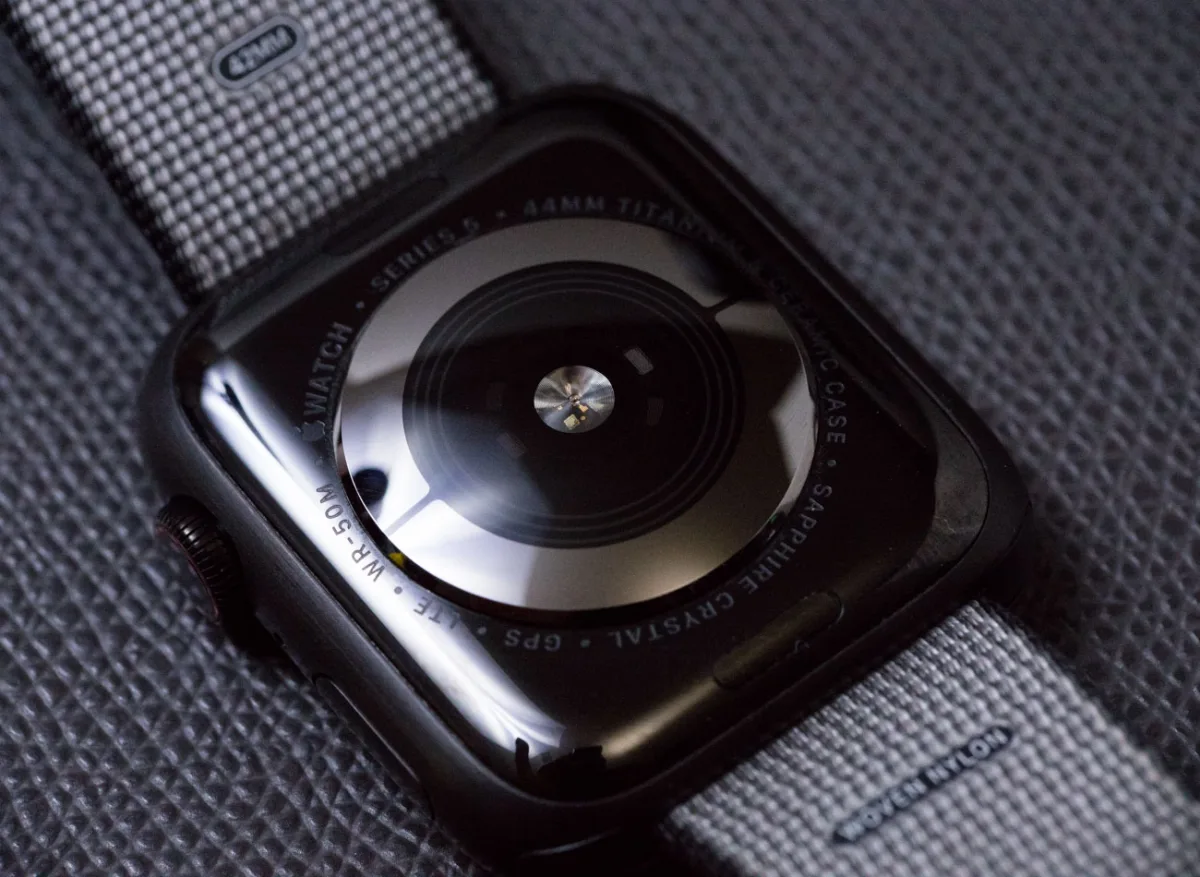
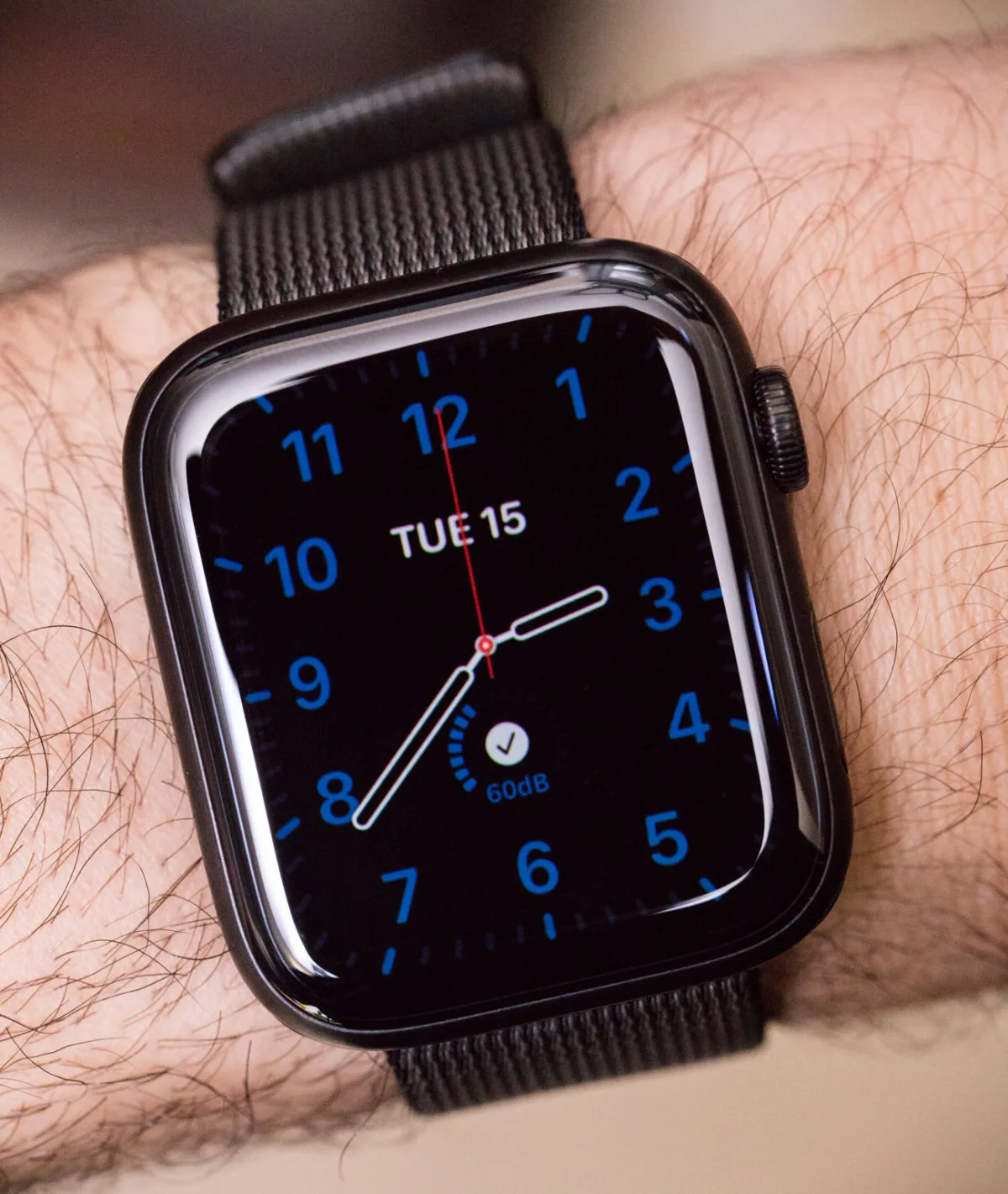
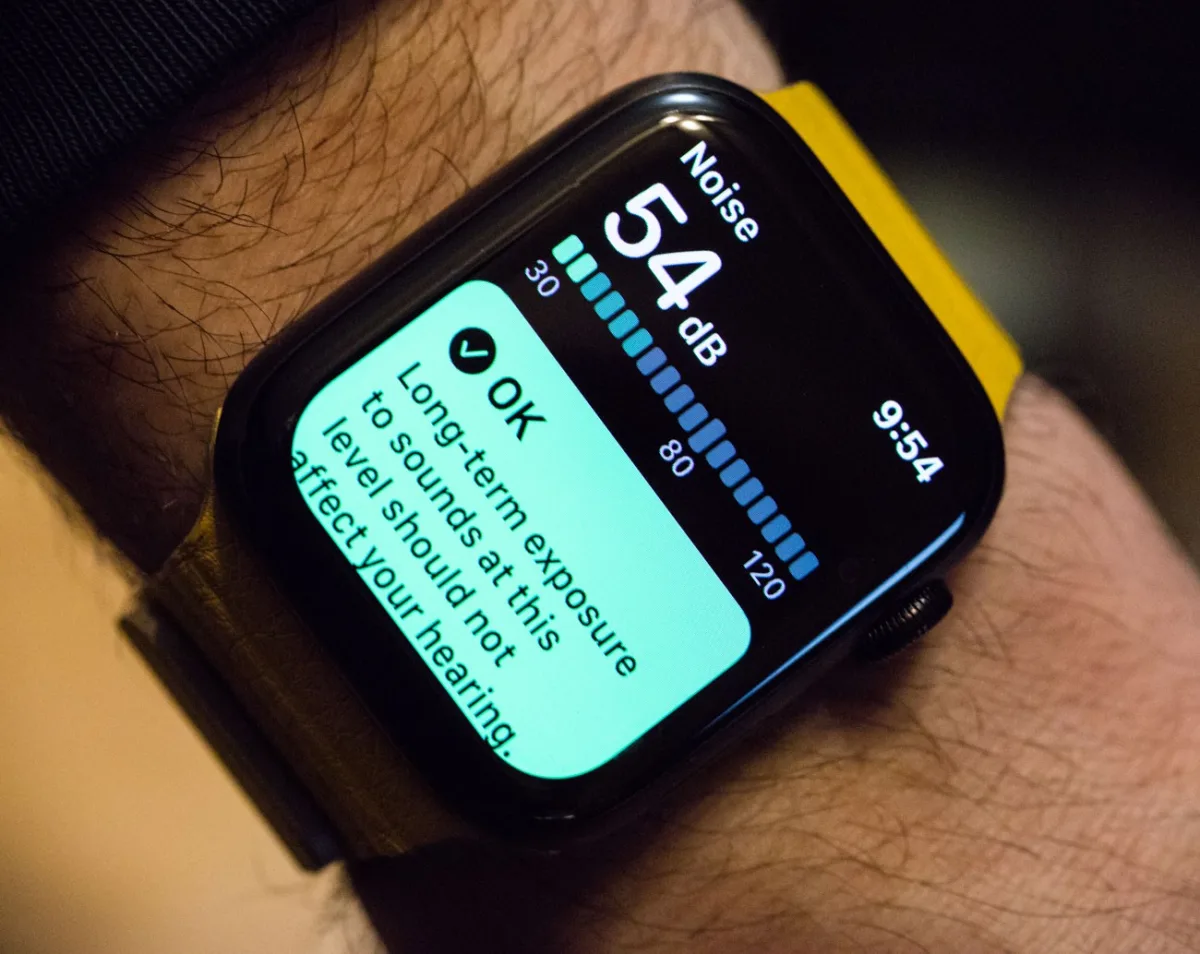
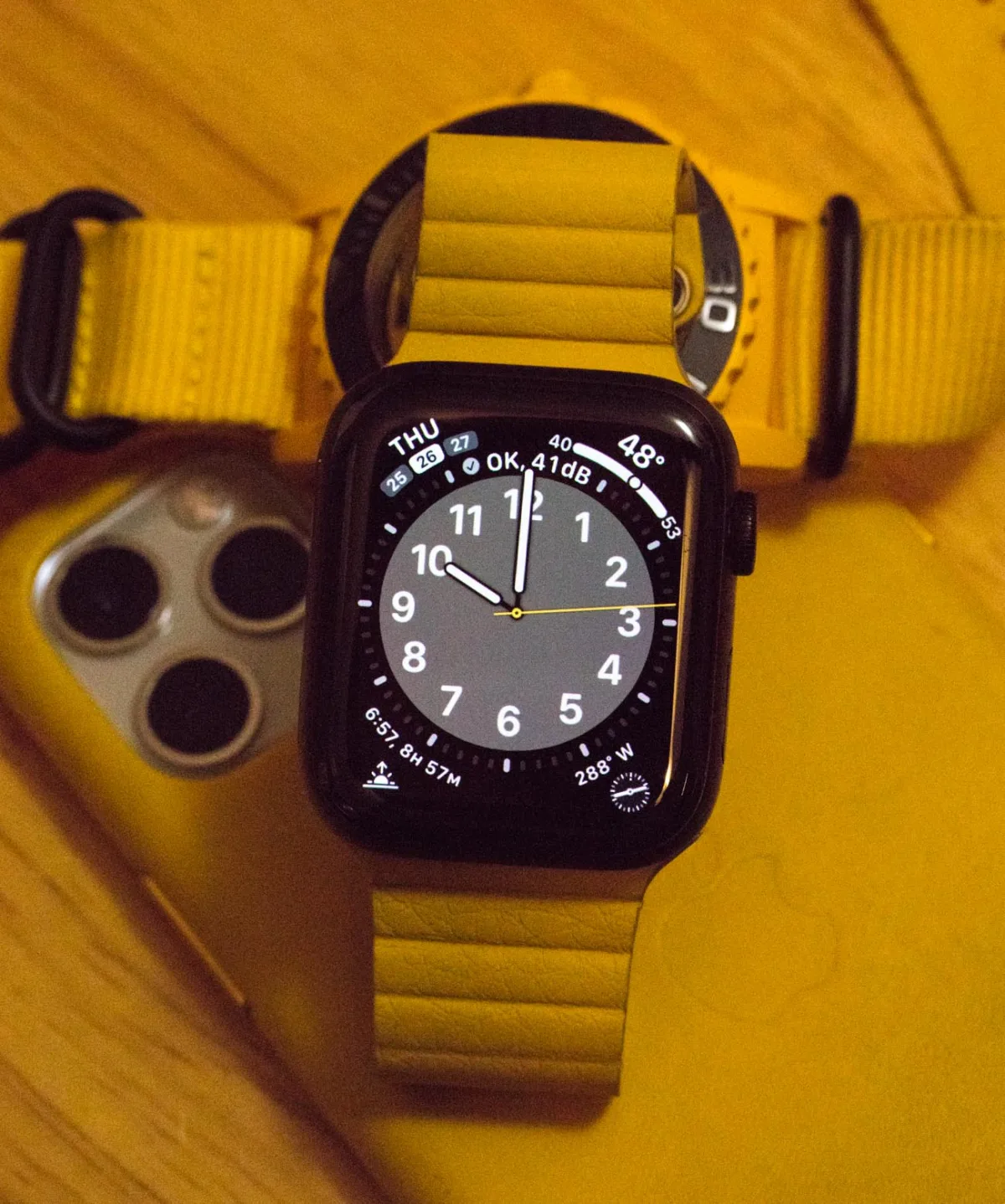
Apple got the AQI complication right: users are interested in their immediate environment. Users of smartwatches are interested in maximum awareness of the environment. The more smartwatches can display relevant information about our immediate surroundings (especially if it concerns health), the more useful (and therefore attractive) a product like the Apple Watch will be. In the Apple Watch Series 5, Apple introduced a wonderful new complication - a decibel level meter for measuring noise levels. It uses the watch's internal microphone to display in real-time the numerical value of the current noise level and whether such a noise level can harm your health.
What I like about the noise complication is that it is not only technologically smart and effective but also inevitably useful for users. It's not just that the watch can measure this information, but by turning it into a complication, users can now look at the time and also see whether the surrounding soundscape is safe or could damage their ears. Over time, users will be able to immediately understand the numerical value of the decibel level as they can hear the corresponding sound. Thus, in this regard, the Apple Watch teaches a person everything they need to know when performing the decibel meter complication. "Noise" is really well done, and on most of my Apple Watch faces, I have configured them to include this new Series 5 feature.
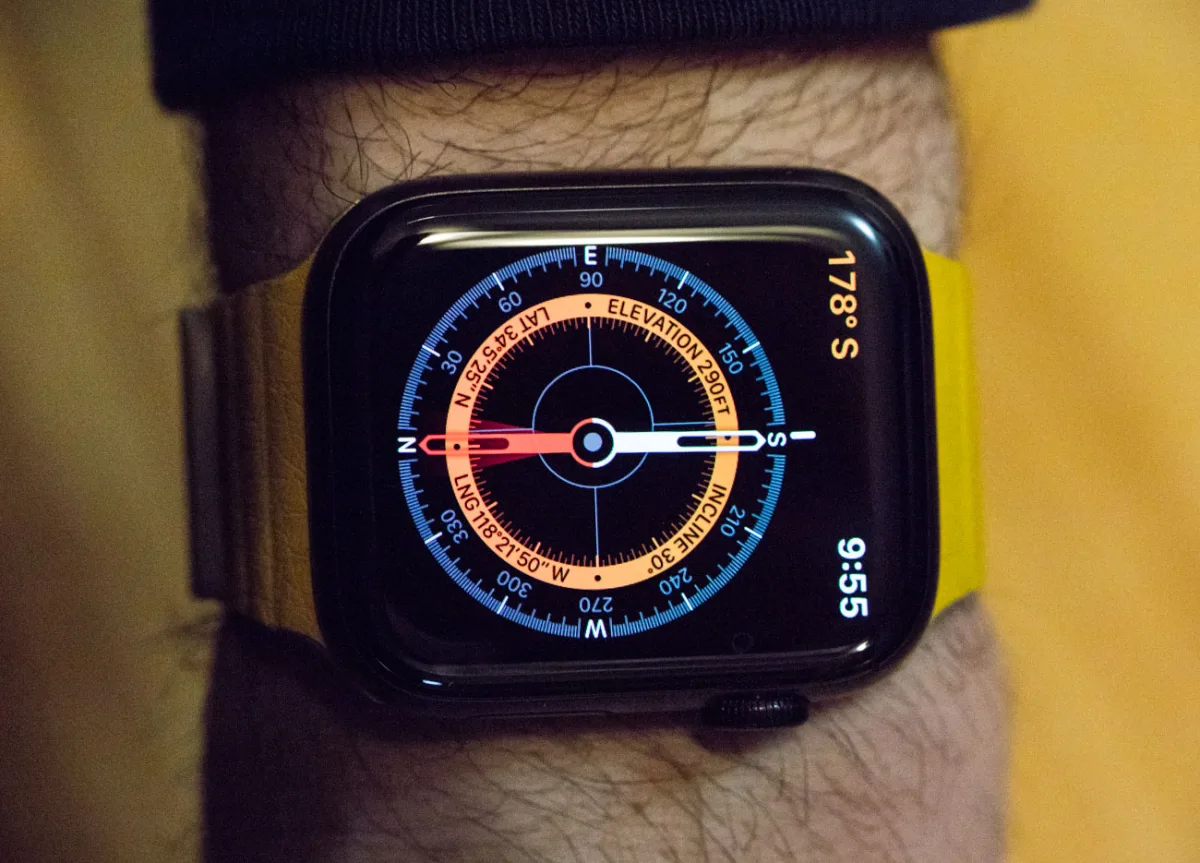
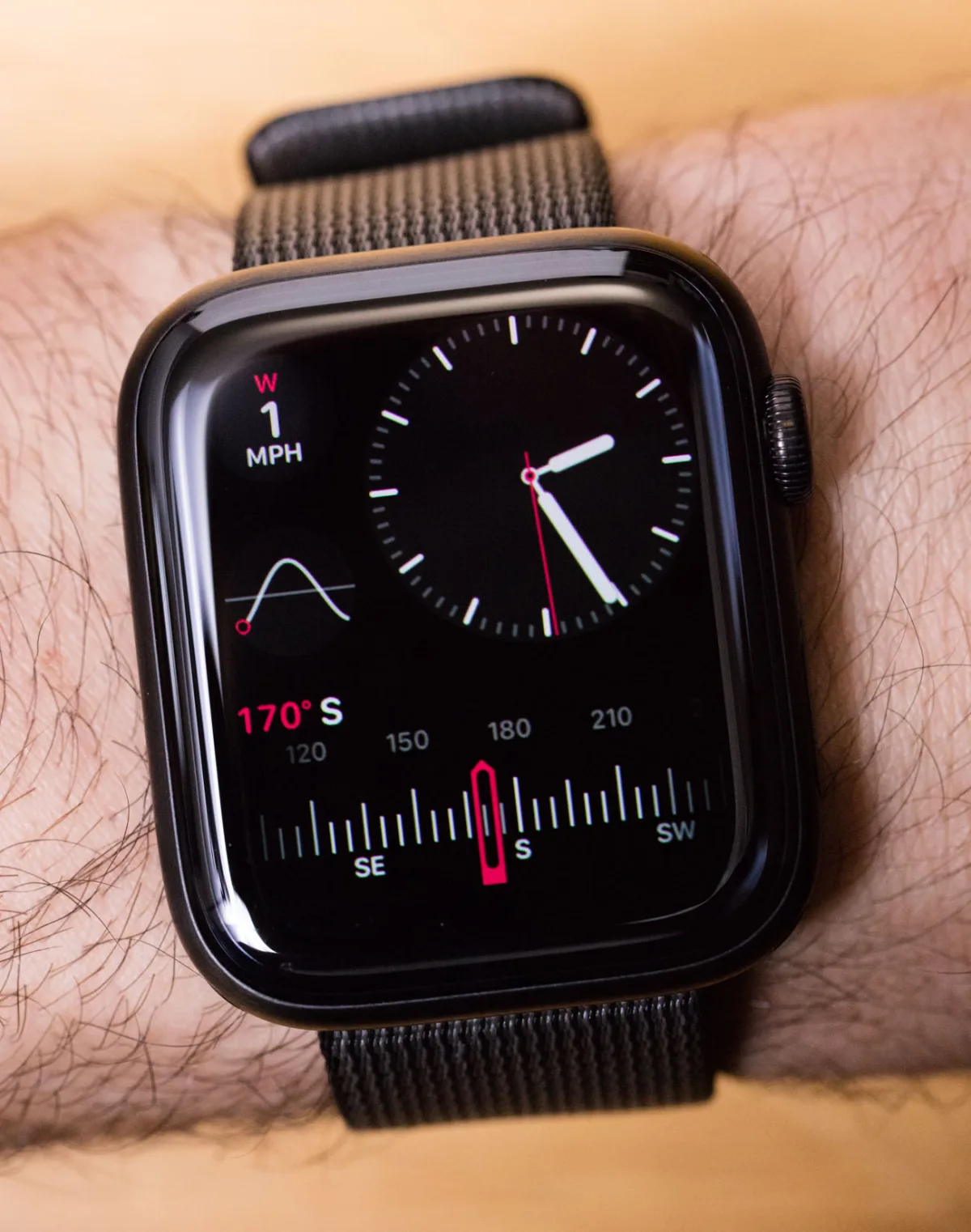
I thank Apple for finally including a compass complication in the Apple Watch. This is by no means a new complication, but judging by how Apple designed it, I think the humble compass deserves a revisit. Apple created both a complication and a separate data screen for the compass, which also functions as an inclinometer. There are mechanical watches with compass complications, so technically it is an inherited feature. However, it represents a piece of information about the immediate environment that is not always available, and having it on the wrist is very useful. What I find interesting is Apple's ingenuity, which makes its digital instrument look like an analog one. This is achieved by replicating the movement of a real magnetic hand. Most people may not notice this ode to the past, but one of the most technologically advanced companies in the world has created the most modern tool that looks like something from the past. There are different ways to approach this discussion, but for me, the most interesting result is that Apple decided that the most effective way to display compass information is in a traditional analog style. The best way to display information - regardless of how useful it is - is always a complex design decision.
In the Apple Watch Series 5, Apple introduced a complication specifically for women, known as Cycle Tracker. Not being a woman, I will not review this complication, but it is another way in which Apple probably correctly believes that a user's life can be improved by receiving certain information on the wrist. Regardless of how regular our life cycles are, I understand that most of us lack the ability to track them using only internal clocks.
Let's not forget that the Apple Watch Series 5 also introduced a much-needed feature - an always-on display for the world's most popular smartwatch. Finally, users can get displays that constantly show information, rather than lighting up only when the user looks at them. This speeds up the user's ability to access information on the wrist (which is important for all complications) and gives the Apple Watch a new dimension of expressiveness when it comes to people considering the product on their wrist.
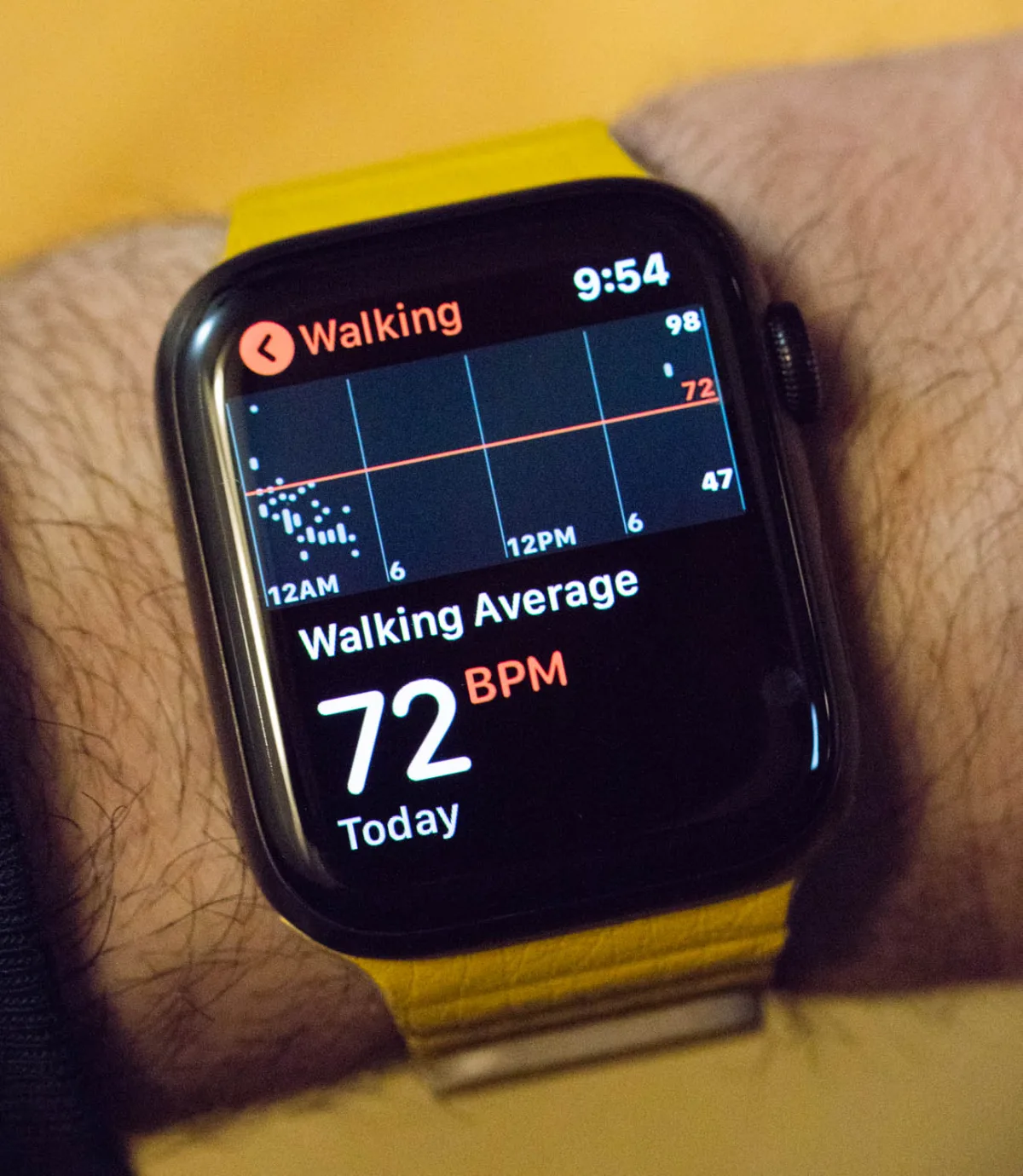
As Apple continues to assert that the Apple Watch is a "wellness device" (a tool that helps monitor vital signs and learn about potential problems in the body), features such as the heart rate monitor become increasingly important. In fact, for some people, the ability to know the current heart rate is more important than completing the activity rings (a reference to the fitness tracking features in Apple Watch). Knowing the current heart rate is a basic function of many smartwatches, but Apple does it very skillfully and promptly. Moreover, these are the only smartwatches I know that so successfully combine health monitoring functions with fashionable and everyday watch faces that users typically use.
Regardless of what smartwatch you wear, knowing instant heart rate information these days is important for at least two reasons: fitness and stress management. It is known that to maintain positive physical fitness, we all need to increase our heart rate several times a week. Thus, being able to physically measure your current pulse is very useful for determining whether you are exercising intensely enough. And when you are not exercising, it is better not to lower your heart rate. You will live longer, at least because a tense heart strains other parts of the body. To maximize relaxation (and thereby relieve stress), we need to maintain a calm heart rhythm. The ability to see the current pulse and understand that we are experiencing stress, even if we do not feel it, can help train people to better cope with stress. Again, it is not that there are no other tools for measuring this information, but without reasonable integration into a personal electronic device, few people really use technologically available information. I am someone who relies on devices like the Apple Watch to know my current heart rate for both health and fitness.
Apple will continue to experiment with various complications, both new and old. I have been writing about traditional watches for more than a decade, and during that time, no new complications have practically appeared. The innovative nature of smartwatches means that new complications will now appear more frequently. There will always be room in the Apple Watch for the most useful ones. Even if Apple does not always come to the party first, you can be sure that by the time they arrive, they will be dressed better than everyone else.