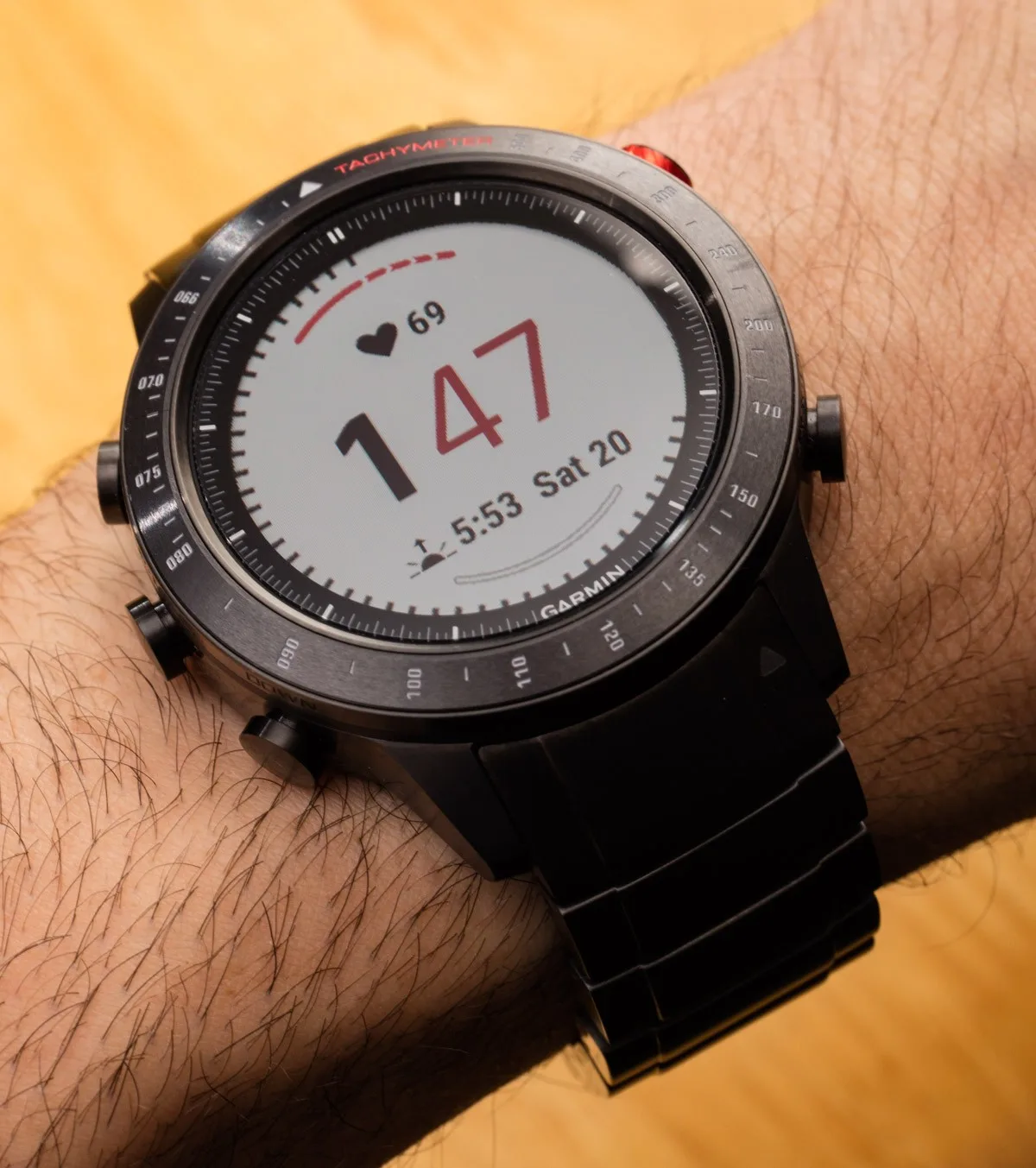
The Garmin Marq GPS smartwatch is the latest high-tech wearable from the experienced manufacturer of equipment and electronics, representing the brand's most serious attempt to create a product for everyday wear. In February 2019, Garmin invited WatchTested to join them in Barcelona, Spain, to showcase just some of the many features of the Marq collection.
At the presentation, five versions of the Garmin Marq were introduced - each tailored to different fields for which Garmin produces equipment. The various Marq watch models mostly have the same software and differ from each other in the cosmetic design of the case and strap. What truly sets Garmin Marq apart from competitors is the rich level of software options and customization, as well as the precise operation of the watch itself during hikes, workouts, and explorations. With a product like Marq, Garmin also hopes to offer a high-end luxury item in terms of both construction and materials.
Garmin has convinced me (and others) that Marq is a serious, professional tool for various purposes: boating, flying, sports, driving, racing, and general competition/tracking. Garmin plans for Marq to be worn not only when users need the special features offered by the devices but also as an all-purpose watch and connected wearable. For this review, I wore the Garmin Marq Driver almost full-time for several weeks to understand what it's like. Some days, I wore traditional watches on the other wrist (just for fun), and on other days, the Garmin Marq was my only watch during physical activities and social events.
As a preamble, it's important to note a few points. First, this is not my first experience wearing Garmin smartwatches (but I won't start making comparisons), and I won't delve deeply into software functionality. One of the things that sets smartwatches apart from traditional watches is the deep level of software education required of the user - and simply being able to use it on the first day.
Traditional watches, by comparison, are much simpler; their usefulness is easier to discuss. My goal is to talk about the simplest features that a user will encounter "right out of the box." I slightly modified the software interface and downloaded the Garmin Connect app for the mobile phone, but in this review, I won't go into detail about the software, as it is beyond the scope of this article.
Garmin uses its proprietary software for Marq and other smartwatches. This means they can be used with both Apple iPhones and Google Android phones. A mobile phone is not necessary to use Marq, but having the accompanying software will be helpful. However, I regret that the Garmin Connect software cannot be used to configure many settings on the watch itself.
Garmin decided to do without a touchscreen and five buttons on the case. This means that to play with many watch functions and fully customize them to your needs, you need to do everything through the watch itself.
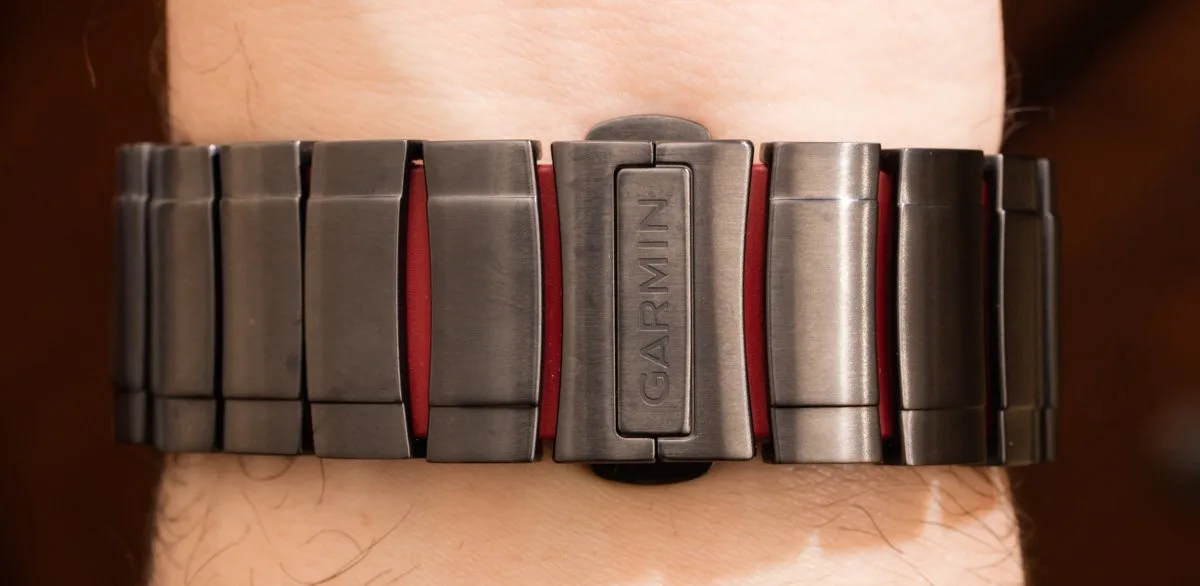
My recommendation to Garmin is that, despite the Garmin Connect app doing a great job of collecting performance data, etc., it should better help users ensure that the Marq software is tailored to their specific needs and lifestyle. This is very important not only for cosmetic changes to the watch (such as watch faces) but also for ensuring that Marq users are aware of all the device's capabilities.
I managed (with great difficulty) to create several interesting custom watch faces for Marq, but this process seemed too complicated and lengthy to me, considering modern advancements in user-friendly interfaces. If it were up to me, in addition to managing the software on the phone, one could explore menu items and also customize Marq watch faces and displays from a phone or even a computer application.
By default, Marq is a basic smartwatch in terms of things like notifications and alerts. Once you connect them to your phone, you'll start receiving vibration alerts when you get a new email, text message, or other random notification. These notifications can be turned off one by one, but the watch assumes you need all of it. Again, I think it would be nice to choose the types of notifications I will receive one by one when setting up the watch.
For example, I might want to see incoming text messages, but I don't need a wrist notification when someone wants to contact me on LinkedIn. Additionally, unlike other smartwatches designed to work directly with phones, Marq will notify you of incoming messages, etc., but you'll still need to use your phone to respond to or delete them. As "phone-connected" smartwatches, Marq performs most basic functions, but its strong point is what it can do without a phone.
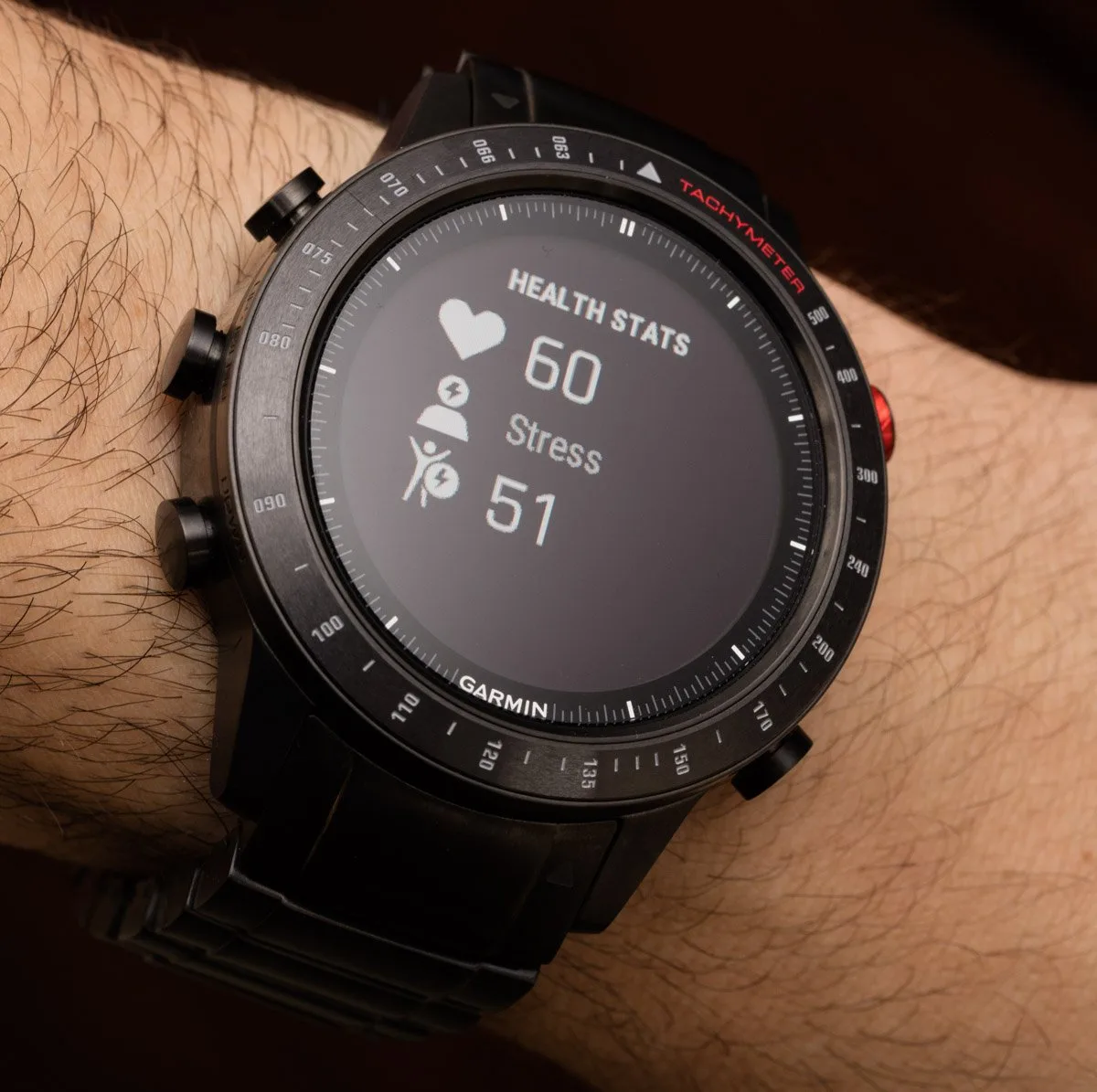
I am not bothered that I cannot control the phone through Marq, but as I mentioned earlier, I would like to rely more on the phone to play with Marq settings. Nevertheless, Marq really starts to shine when you consider its built-in capabilities and functionality. For example, the watch is equipped with its own very accurate GPS antenna and built-in mapping software.
On several occasions, I decided to use the Marq's mapping function to track the route of a walk or bike ride. The watch used GPS and the mapping tool not only to track distance but also to create a visual map. This did not require a smartphone connection at all.
Like many other modern fitness smartwatches, Marq requires you to manually tell it when you start and stop various activities. This means that if you're going on a hike and want to track your route or workout, you need to remember to do this in advance by going to the appropriate menu and pressing the start button. I must admit that developing the habit of starting and stopping the watch to track events is quite difficult for me.
I regularly forgot to start my activity until I actually began it (but remembering to stop the activity on the watch is much easier). Tracking workout data allows you to push yourself harder next time and find out how well you did overall. Garmin offers a lot of really useful information both during and after a workout, but accessing some of this data may require digging through the menus.