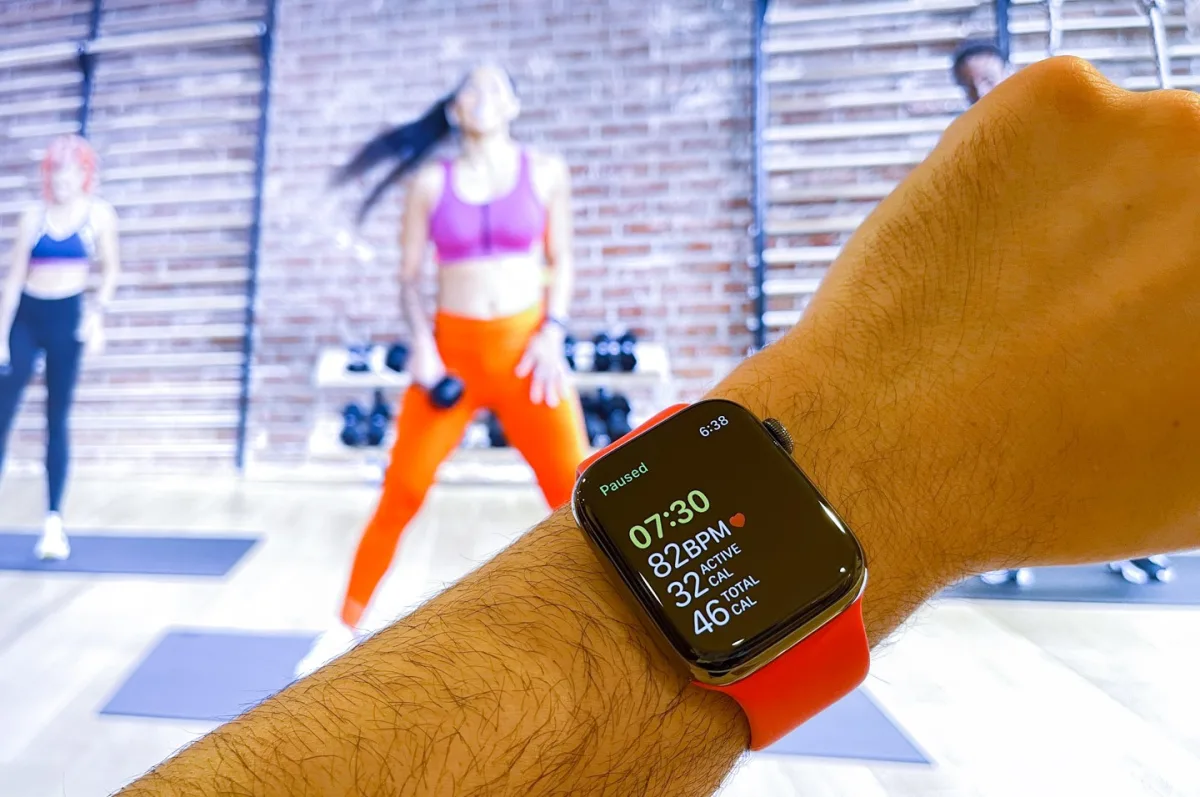
One of Apple's latest commercial offerings is a new monthly subscription service called Apple Fitness+. For $9.99 a month, users can choose from a variety of guided workouts and relaxation sessions that they can view on the screen of their chosen Apple device. What makes Apple Fitness+ unique, at least in one respect, is that it seamlessly integrates with the Apple Watch smartwatch product, creating a personalized experience for a pre-recorded exercise session.
As someone familiar with the Apple Watch for activity tracking, I was genuinely curious about how the fitness service and Apple Watch could work together, and what impact it might have on the paid subscription service. I'm not a fitness fanatic, but I do regular exercises mid-week as part of my routine. For at least two years, I have accumulated extensive experience in solo or group workouts. What high-quality activity tracking with portable devices can give you is the independence to train at your discretion, with many benefits derived from guided or collective workouts. With this in mind, I prepared to test Apple Fitness+ on an Apple TV device, which Apple provided for this study. All photos in this article were taken with an iPhone 12 Pro Max.
Apple Watch owners are well acquainted with what it means to "close the rings." This practice involves fully meeting your daily fitness goals and the satisfaction that comes with it. It's proven to be somewhat addictive, and it's part of how fitness devices like the Apple Watch can positively "gamify" somewhat unsexy things, like ensuring you stand or walk enough each day. I would rather get a dopamine hit from completed goals than from receiving likes on social media posts. I mention this because I feel some people believe everything "addictive" and "tech" is inherently bad for you. I disagree. While people can have many unhealthy dependencies on technology, an addiction to keeping your body sufficiently active every day is probably healthy behavior overall. I'm more than happy to admit that I derive significant enjoyment from achieving smartwatch activity goals - and, in my view, Apple does this best when it comes to tracking everyday life.
One thing the Apple Watch doesn't do by default (but it can with the right settings) is really push you to increase your fitness level. The built-in activity tracking is designed to ensure you're moving enough to stay healthy, but the default settings aren't meant for training or getting you into athletic shape. Moreover, there is no built-in competition feature that makes you feel like you (at the very least) should keep up with someone else.
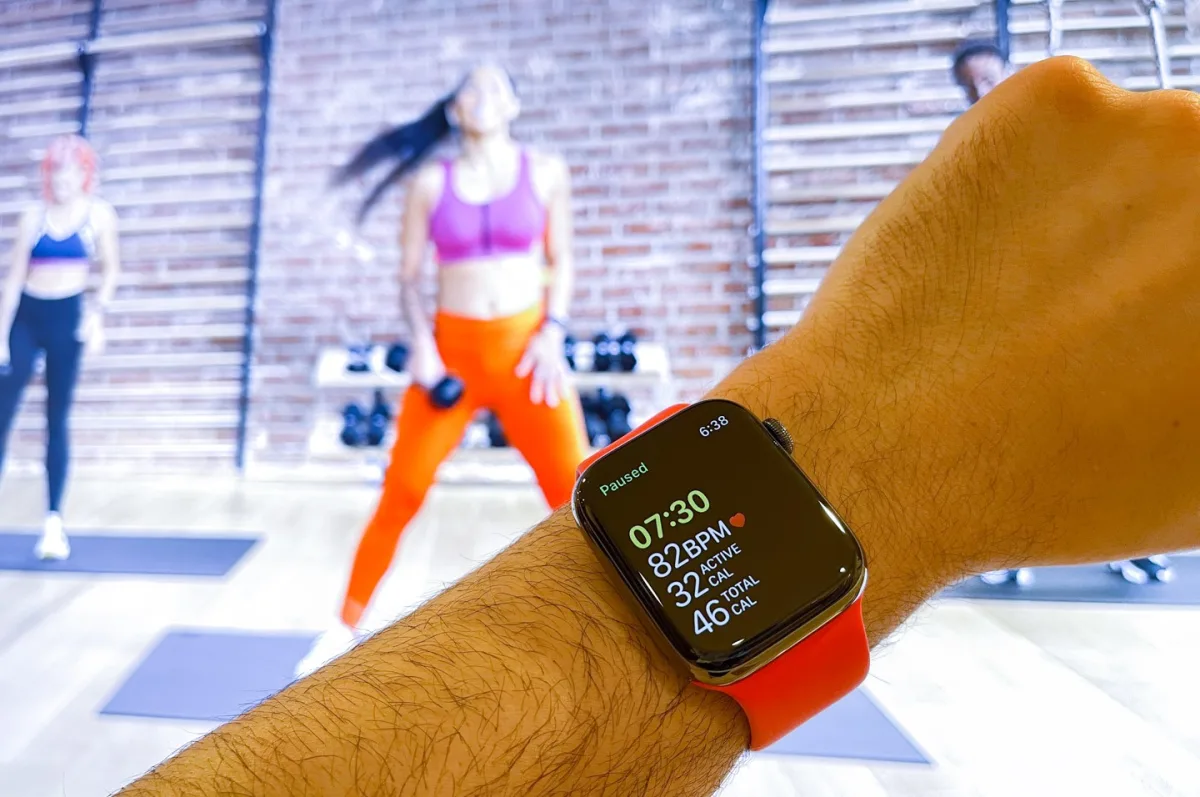
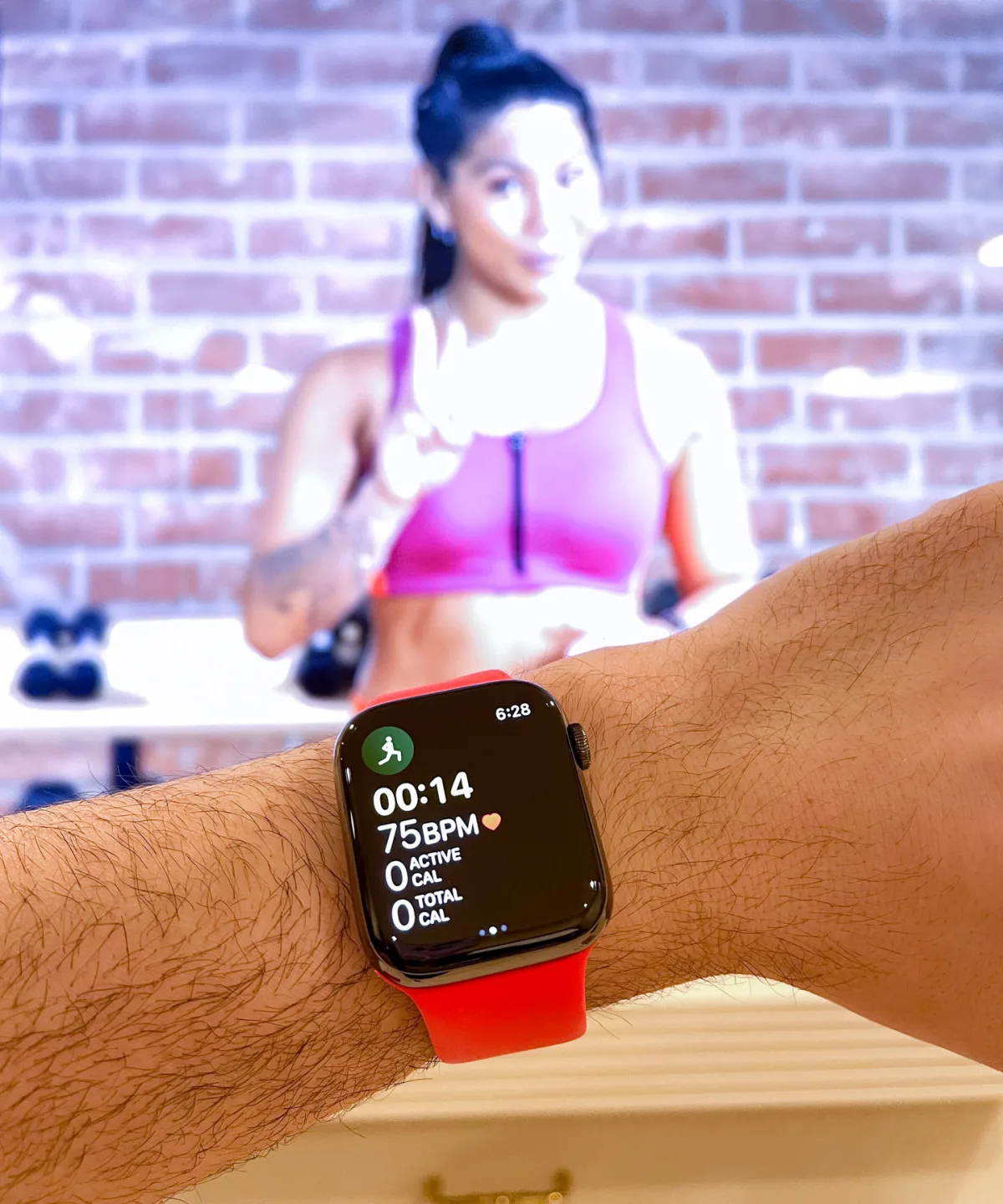
Apple Fitness+ changes some settings for the better, and while the service is premium-priced, it is also an excellent at-home fitness service and exercise assistant for Apple Watch. On my wrist for review is the shiny steel version of the Apple Watch Series 6 with a black finish (retail price $749), which is worn on the new Sport Loop strap. This latest strap is probably the best exercise strap Apple has come up with. It combines features of existing straps in a single package that I think many users should explore. The strap is made from a fluoroelastomer similar to the Apple Sport band but with a continuous loop. The material is even more elastic, so it can stretch to fit your wrist size. This also means Apple must account for a wide range of wrist sizes. The Sport Loop straps come in 10 sizes in different colors! So you'll need to measure your wrist size and order the appropriate size Sport Loop. This might seem painful to purchase, but I haven't worn a better strap during workouts with the Apple Watch.
Apple Fitness+ is a well-oiled service that is still clearly new, given its recently released videos and small set of professional trainers. It features videos ranging from five to 30 minutes, categorized by the type of workout or skills you want to work on. The way workouts are divided actually makes sense if you have a lot of fitness experience (e.g., you know it might be a good idea to spend 20 minutes solely on abs), but I'm not sure how accessible they are overall. I always ask myself this question because many people wearing Apple Watches don't have formal fitness experience, and this is precisely the group that would benefit most quickly from forming a positive habit that a fitness tracker like the Apple Watch can provide.
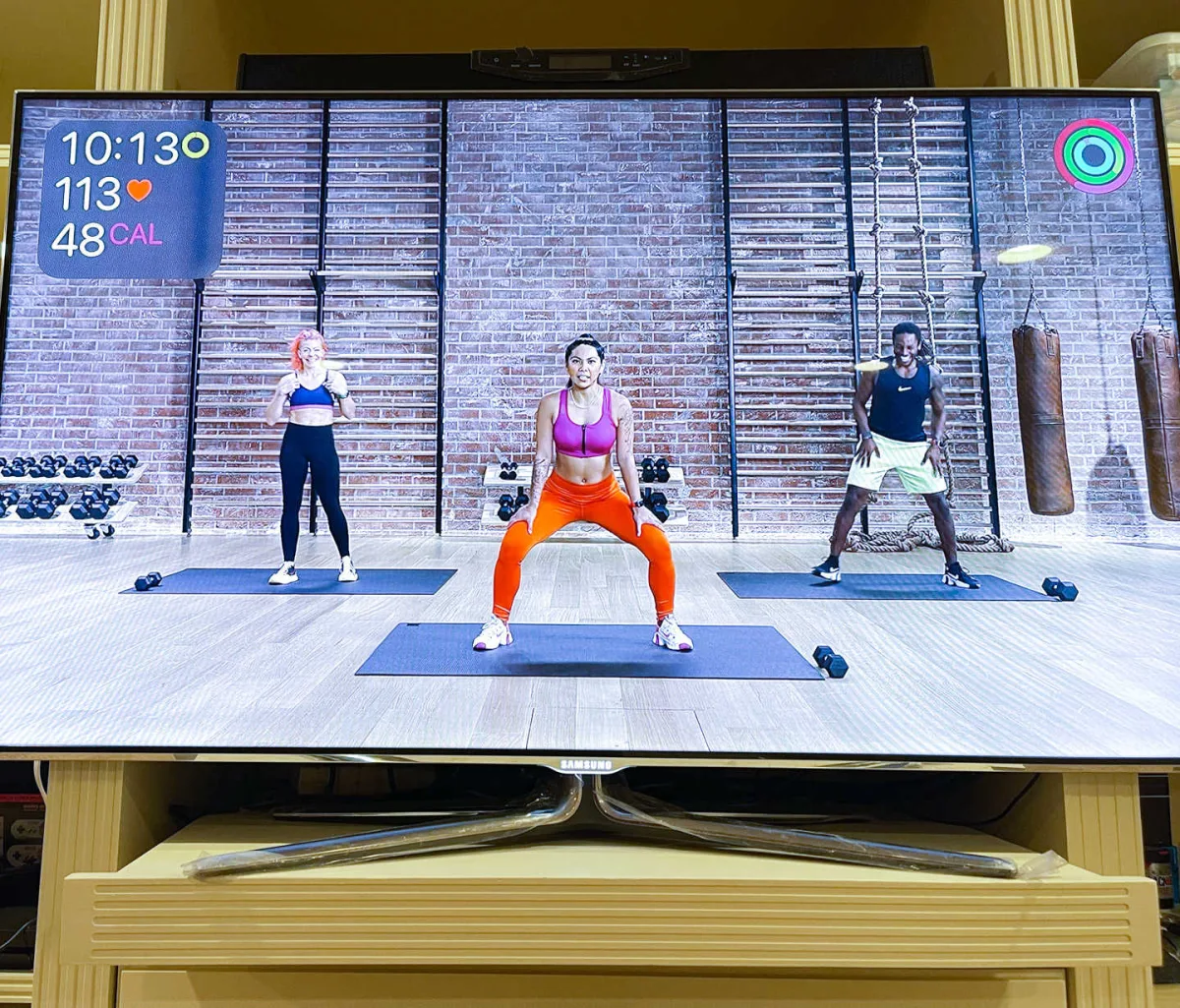
On the first day of using Apple Fitness+, I decided to do a medium (20-minute) HIIT (high-intensity interval training) workout, followed by a guided workout. While the instructors verbally recommend things like "then try a cooldown," the user still has to understand what a cooldown is or why stretching after a workout is a great idea.
Apple Fitness+ sessions mostly take place in one studio and use a small list of trainers who all do a pretty good job of explaining and demonstrating. Apple needed help recreating the boutique studio workout atmosphere in California in Apple Fitness+, and to a large extent, they succeeded, both in art direction and fashionable presentations.
When I wrote this review, Apple had actually updated Apple Fitness+ by adding a new "walking" feature, which is not so much about the screen, but more about taking walks with your Apple Watch and listening through Bluetooth headphones, where celebrities share pleasant stories. For the most part, all Apple Fitness+ exercises do not require exercise equipment (except perhaps a yoga mat), although some are specifically designed for things like cycling, so you'll need a bike trainer. For the purposes of my life review, I focused on workouts that didn't require any additional equipment.
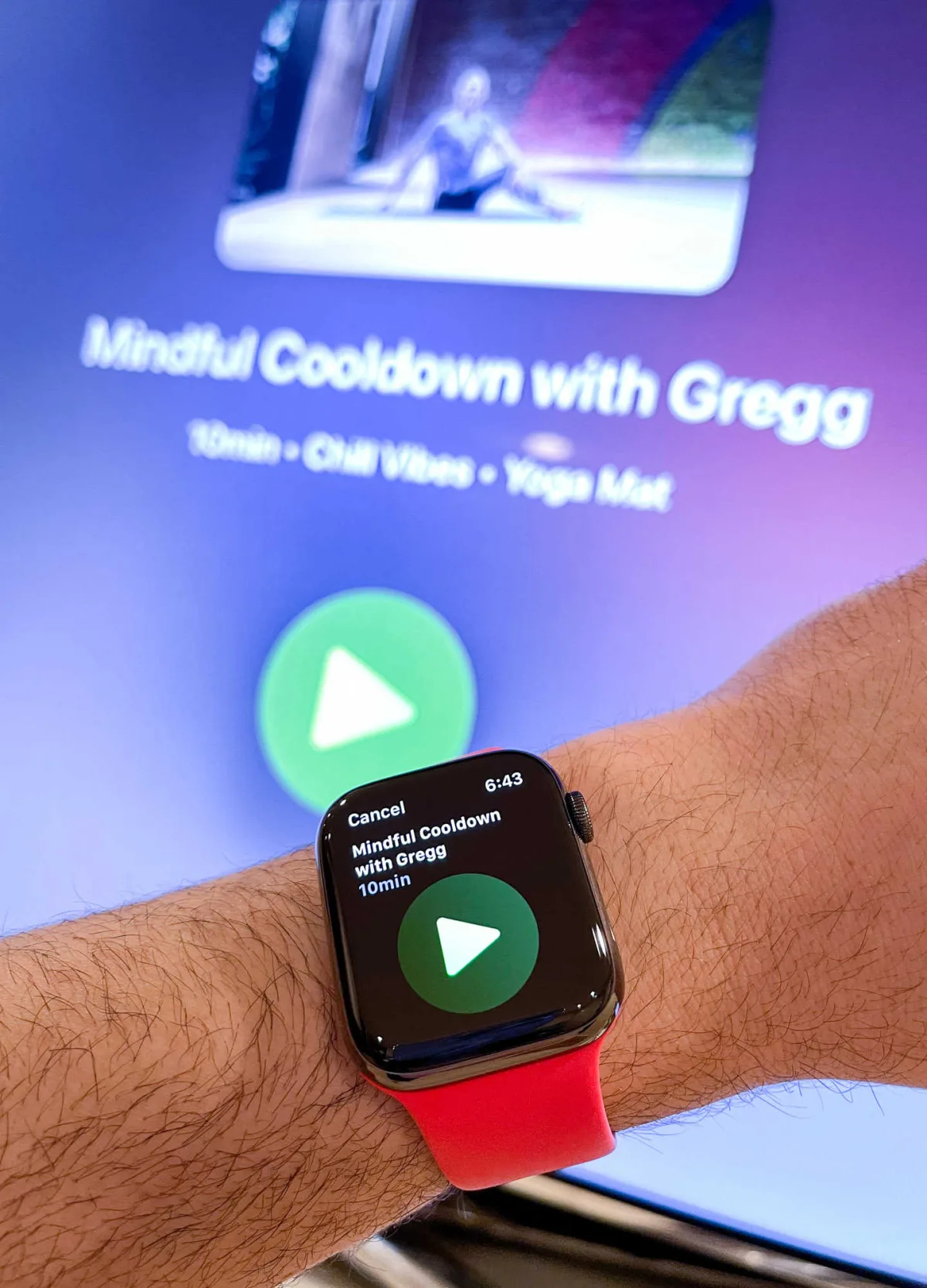
So where does the Apple Watch come in? Connecting my Apple Watch to Apple Fitness+ was easy, and once you do, the system really wants you to use the Apple Watch to control when your sessions start with a large green arrow on the Apple Watch that you press.
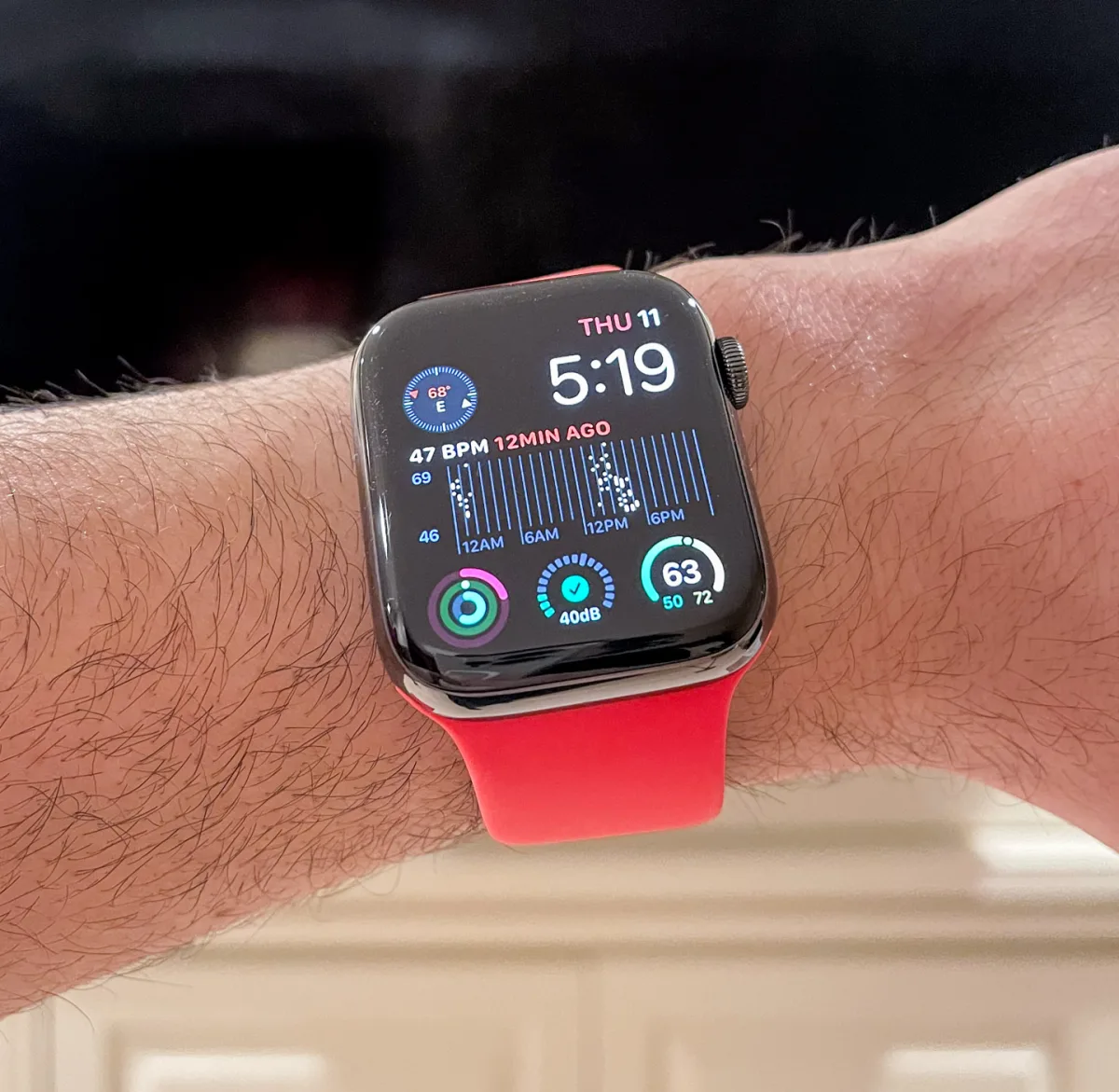
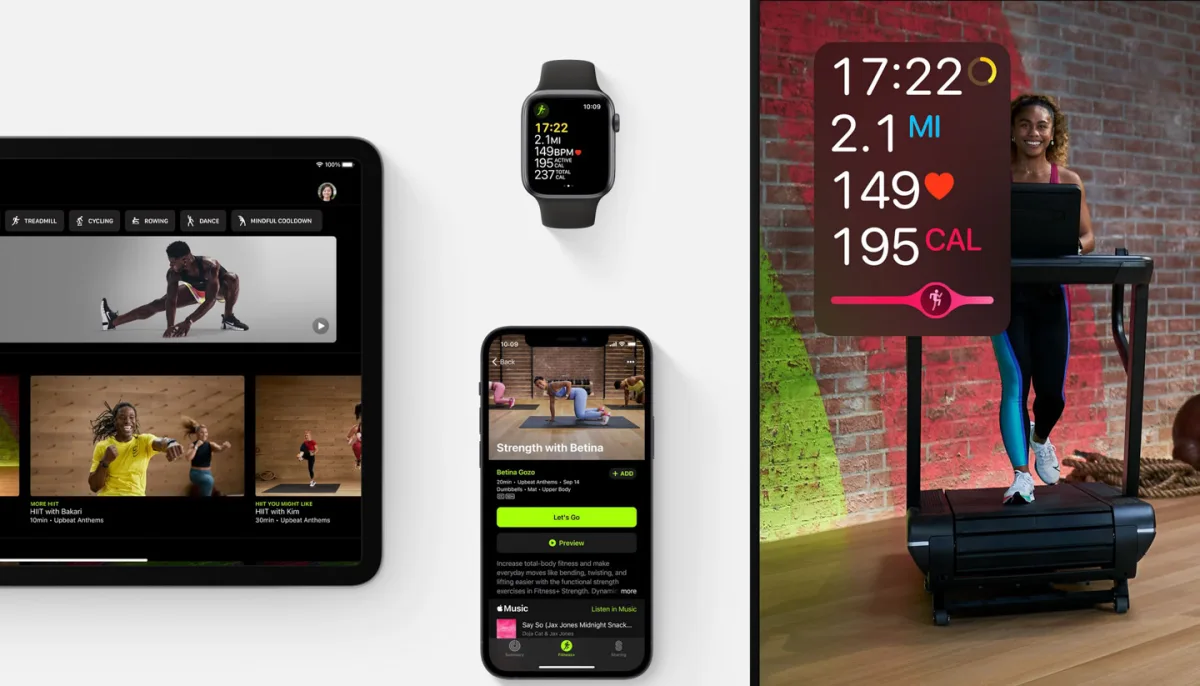
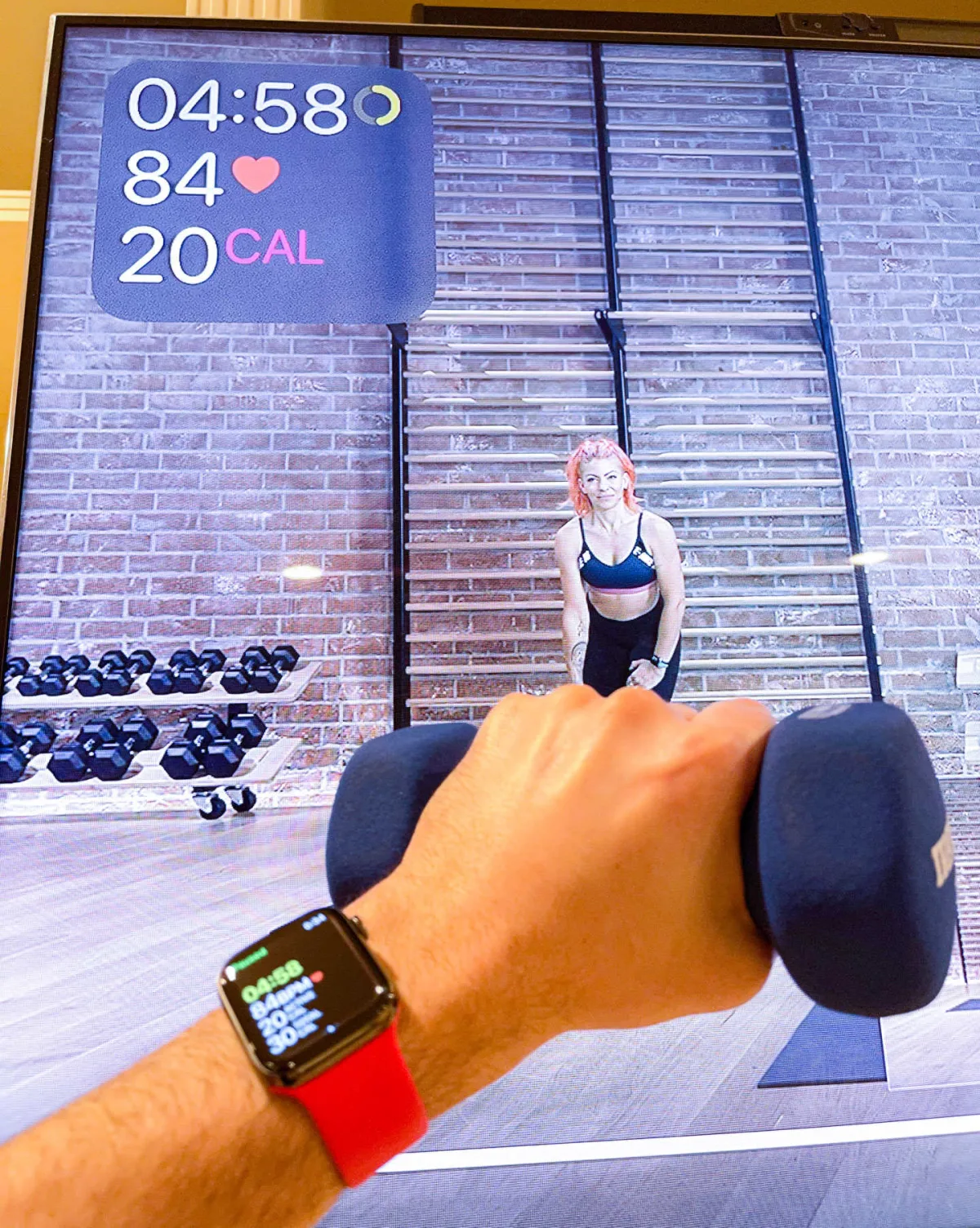
What you immediately see on the screen (which may vary slightly depending on the workout) is key information. The activity rings on the Apple Watch are displayed in the top right corner of the screen, while the current heart rate, calories burned, and time elapsed since the workout began are displayed in the top left corner. There is also a pink "competition bar" during some exercises (this feature doesn't make sense during cooldowns, for instance), which supposedly shows how hard you’re working compared to the average person doing the average Apple Fitness+ workout. You can disable this feature, as I can imagine some people might find this information discouraging.
The ability to see your current stats right on the screen is pretty cool - and I found that seeing my current heart rate right on the screen essentially encouraged me to keep increasing my heart rate during the workout. I dare say that viewing exercise performance data right on the screen and being able to observe changes in activity metrics (rings) in real-time probably significantly boosts the motivation most people feel while doing such exercises. In other words, I think visualizing the data makes people work harder, which ultimately leads to greater confidence and higher fitness levels.
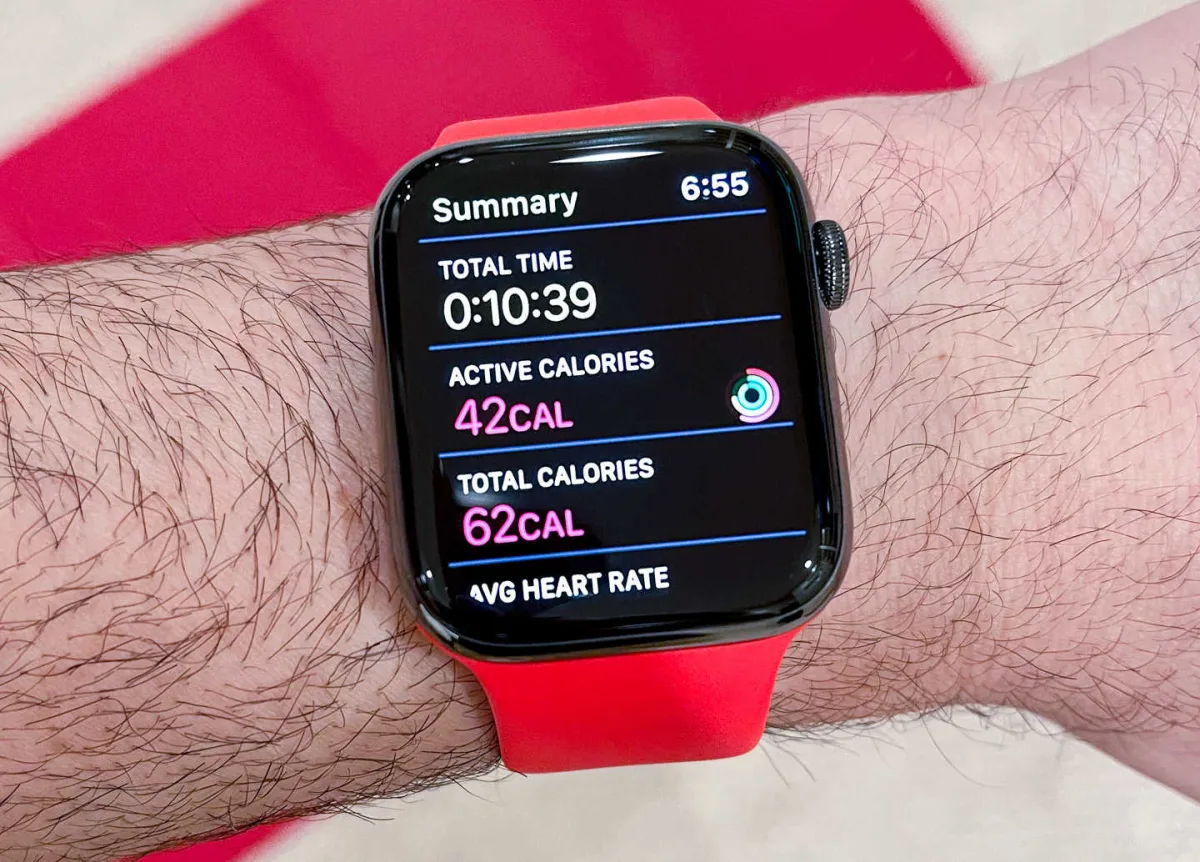
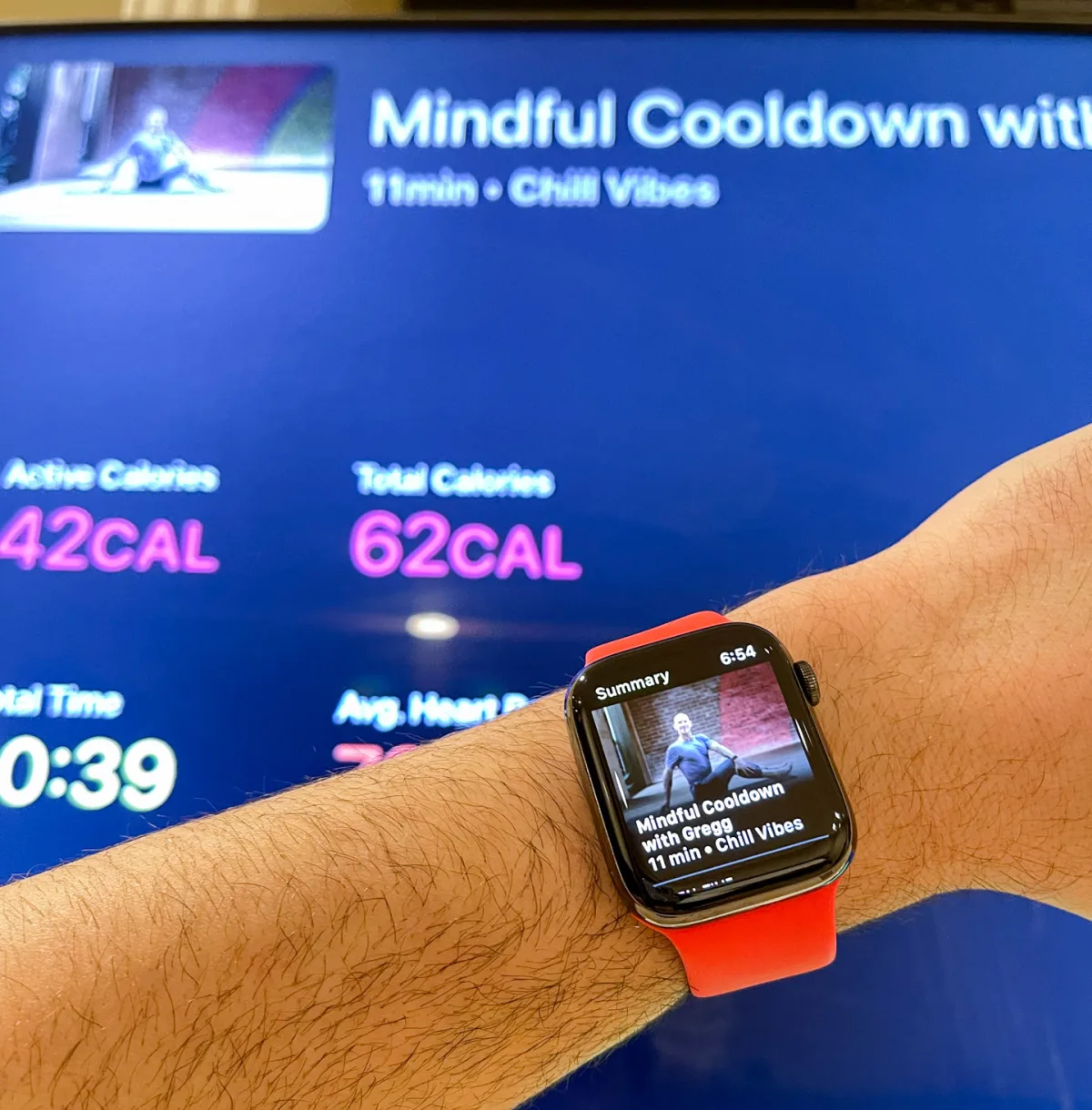
Apple deserves praise for staunchly adhering to a business model where they create services and products for customers, rather than selling the data produced by people using their products to customers. I mention this because cost-based services like Apple Fitness+ help convince me that Apple is interested in selling me a product that I enjoy and find useful, instead of hoping I use their product to sell data to an insurance company. These are issues many customers face today - and I think we are only slowly beginning to understand how our activity data can be used in privacy-violating ways that we are only now starting to consider. Apple is currently one of the few major tech companies that has taken an official stance on how they use consumer data. Using the Apple Watch combined with what Apple knows about my life can be a big source of value for me, but it can also be used to exploit my weaknesses. I'm happy to spend money on the services I use to ensure that my usage data is not used to compromise me. Ultimately, I don't know exactly what Apple does with my Apple Watch and Apple Fitness+ data, but at least I know their business model isn’t built around its negative use. You can't say that about a lot of companies in this space these days.
Ongoing social distancing and personal business restrictions continue to impact services like Apple Fitness+. is trending. While studio workouts are hard to truly replicate, home video workouts are surprisingly effective and help people train well on their own. Adding real-time Apple Watch monitoring really engages the user in exercises, combining wellness and gaming in a direction that I think many consumers want these areas to evolve.
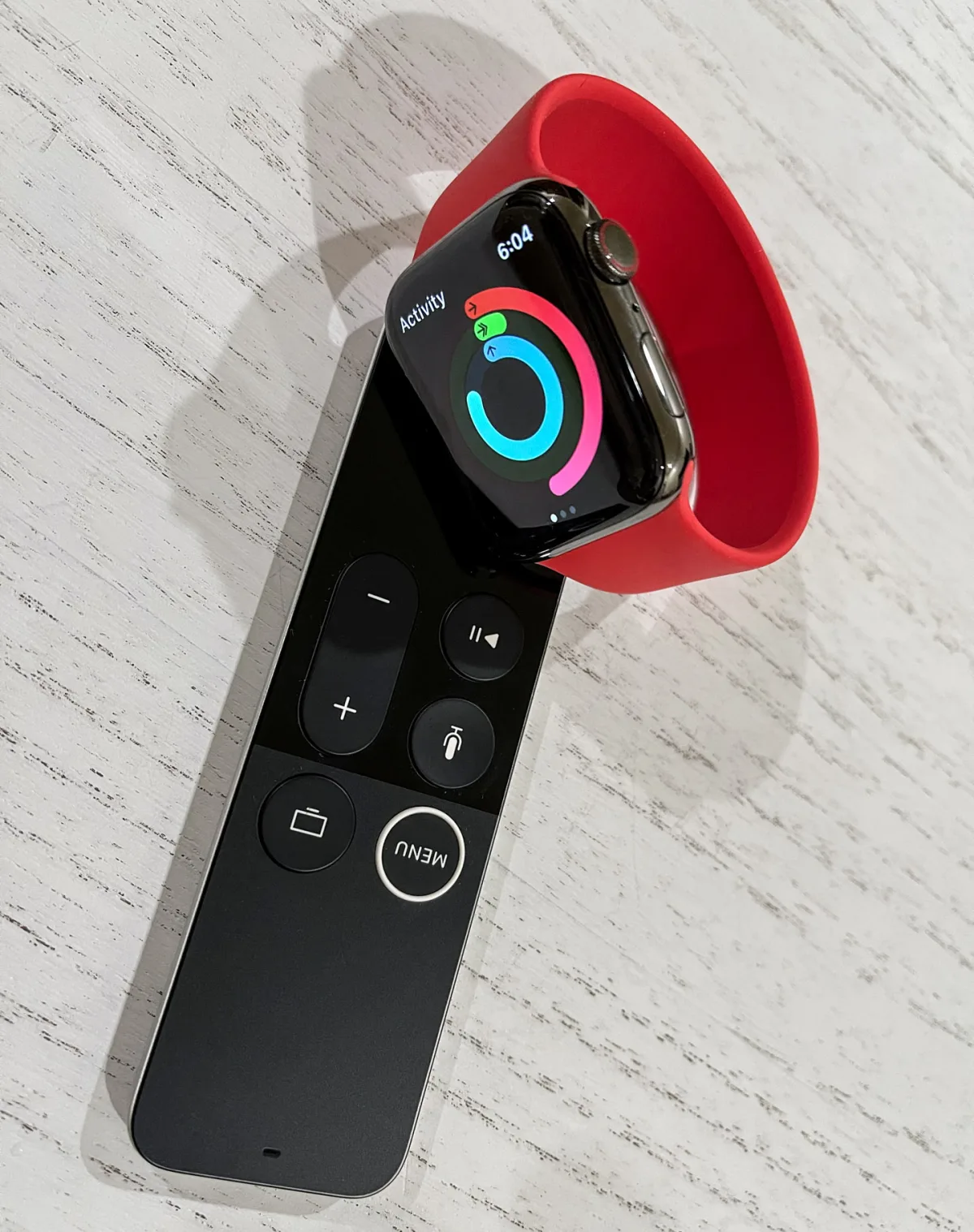
Moreover, although the ubiquitous availability of unhealthy food seems to be going nowhere, I think tools like smartwatches help a whole new generation of people realize how much activity their bodies need to be healthy and ideally can help motivate them to keep up over time. Abandoning a sedentary lifestyle is the best way to reduce a wide range of health issues at any age. Now that smartwatches like the Apple Watch can motivate you to get up and walk (literally, the Apple Watch requires you to get up and go exercise), Apple's growing suite of products and services can recommend how best to use your free time!