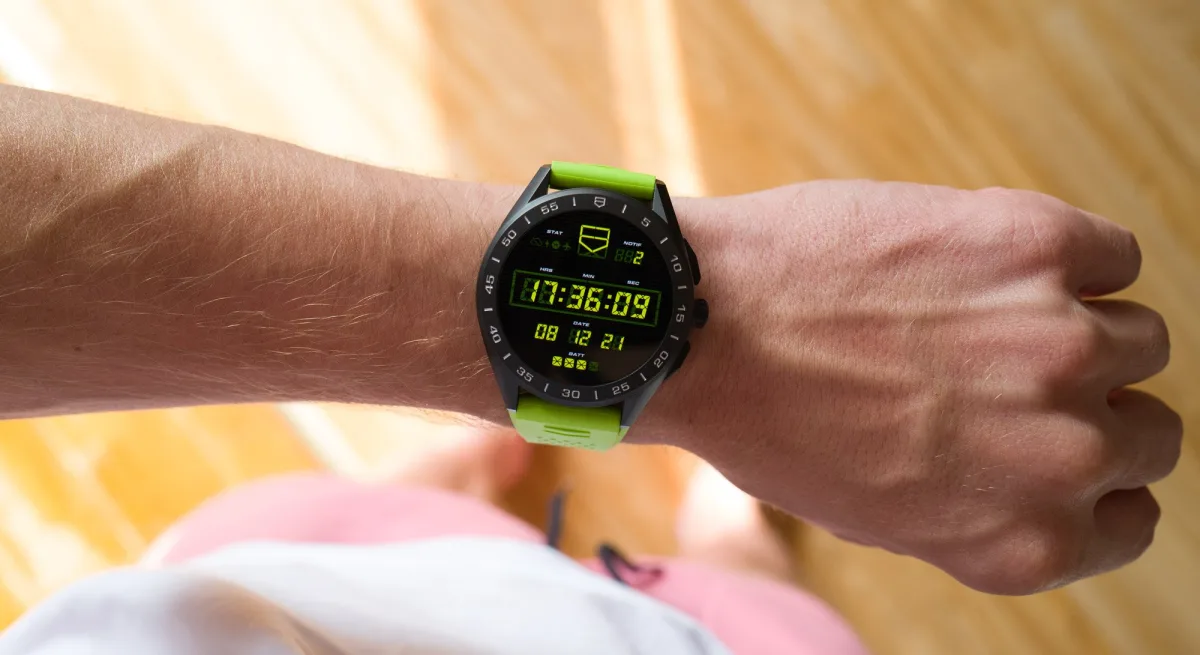
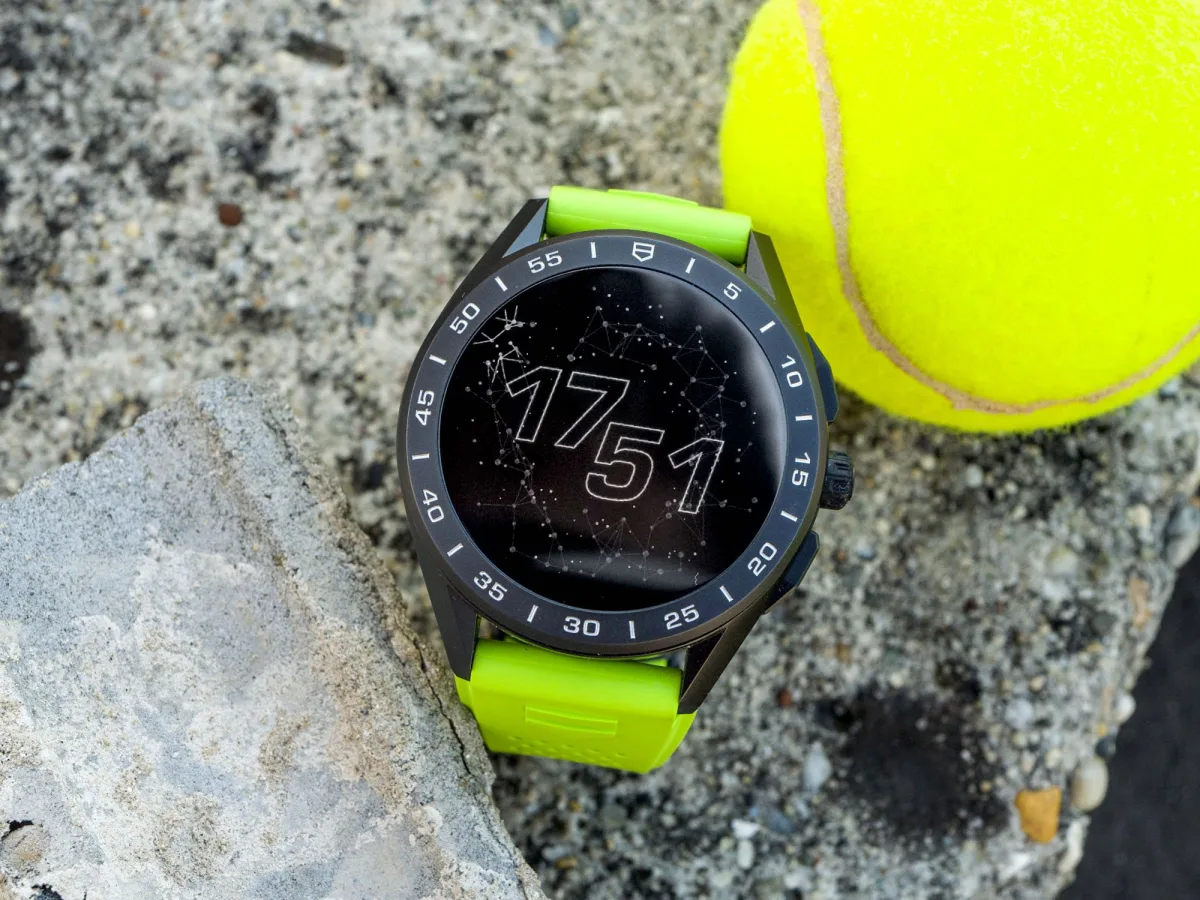
I was stunned to realize that six years ago, I wrote our first article about TAG Heuer's new smartwatch offering. This allowed the Swiss watchmaker - and Google, the provider of the base operating system - to refine the wearability, performance, and perhaps most importantly, the user experience for over half a century. I was curious to see how the latest version of the TAG Heuer Connected smartwatch would perform in 2021, and for almost a month, I've been wearing them daily (in a titanium case). Here's what I've discovered.
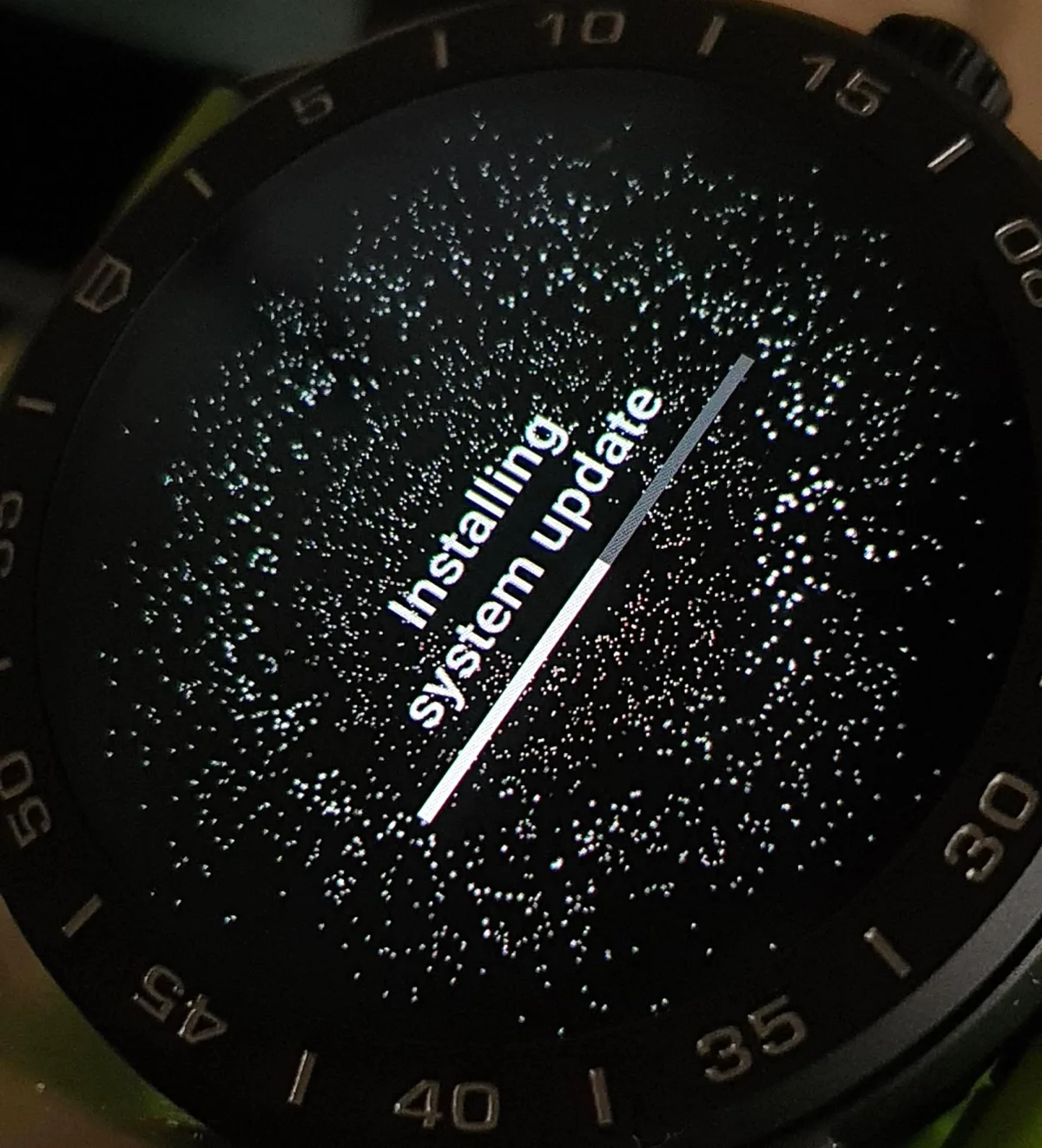
There's a lot to discuss. I could enthusiastically talk about how most other Swiss luxury watch manufacturers quietly withdrew their semi-professional or overly optimistic offerings from the smart/connected products area. But the point of all this is that I tip my hat to TAG Heuer and Hublot for raising the flag of the Swiss luxury watch industry in this challenging battle with technology giants. Also to Montblanc, because they too seem to be moving forward, albeit with less zeal.
Instead, I'll talk about where I was overly optimistic: I thought the TAG Heuer Connected would turn me into a devoted smartwatch owner. Into someone who finally saw the light, someone spoiled by all the available health information about my body - and my digital 'self'. By the way, there's something sad about the need for 'digital health'. I saw that I had every chance to become a person who gets upset over every moment spent without their wrist gadget, for not 'filling their fitness rings' and not achieving their 'health milestones'. In short? The transformation didn't happen, and here's where it might be relevant to you.
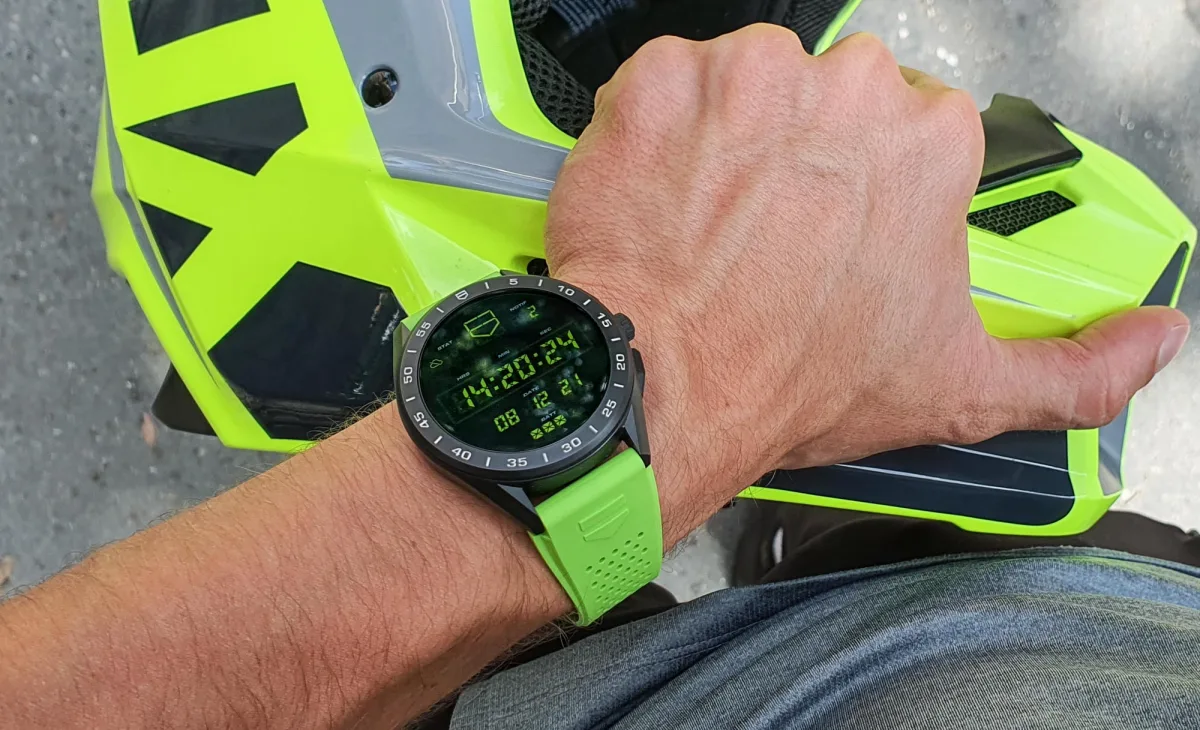
There's a first time for everything, including buying a smartwatch…
...But the question arises: why buy a smartwatch at all?
Yes, even after all these years, at least some of us are still asking this question - and with good reason. Why buy these smartwatches when you can purchase a quartz Aquaracer for less or a mechanical one with an elegant steel bracelet for the same amount? And let's be honest, the 'non-smart' Aquaracer is much more likely to be worn and bring you joy for over 3 years, whereas similarly priced smartwatches will likely become obsolete - either because the battery no longer lasts as long as it used to, or because technology has advanced both in smartwatches and the smartphones they connect to.
The manufacturers' proposed answer is: buy the TAG Heuer Connected for the additional features. TAG Heuer has released numerous flashy videos explaining what's on offer: a multitude of different apps for health and workout monitoring, supposedly an easier way to handle pesky notifications and other irritants that would otherwise require you to take out, unlock, and then put away your phone (for the hundredth time a day). Additionally, there's the prospect of customization with more dial, case, and strap options than you can offer. That's the proposition, and I was curious to see its realities.
How Good Are Smartwatches Nowadays?
It's quite reasonable to measure 'how good' they are by how well they perform all the aforementioned tasks related to health monitoring, activity tracking, notification handling, timekeeping, and so on. There are two ways to tackle this, and frankly, both are equally valid. Firstly, if you're tech-savvy and/or born in this century with a smart device in hand, there's a chance you won't have trouble handling the TAG Heuer Connected's large and impressively responsive low-latency touchscreen. Swipe left, up, down, press the crown, swipe sideways, tap, swipe, tap, scroll, tap... And you can finally monitor your health. For some, this is second nature.
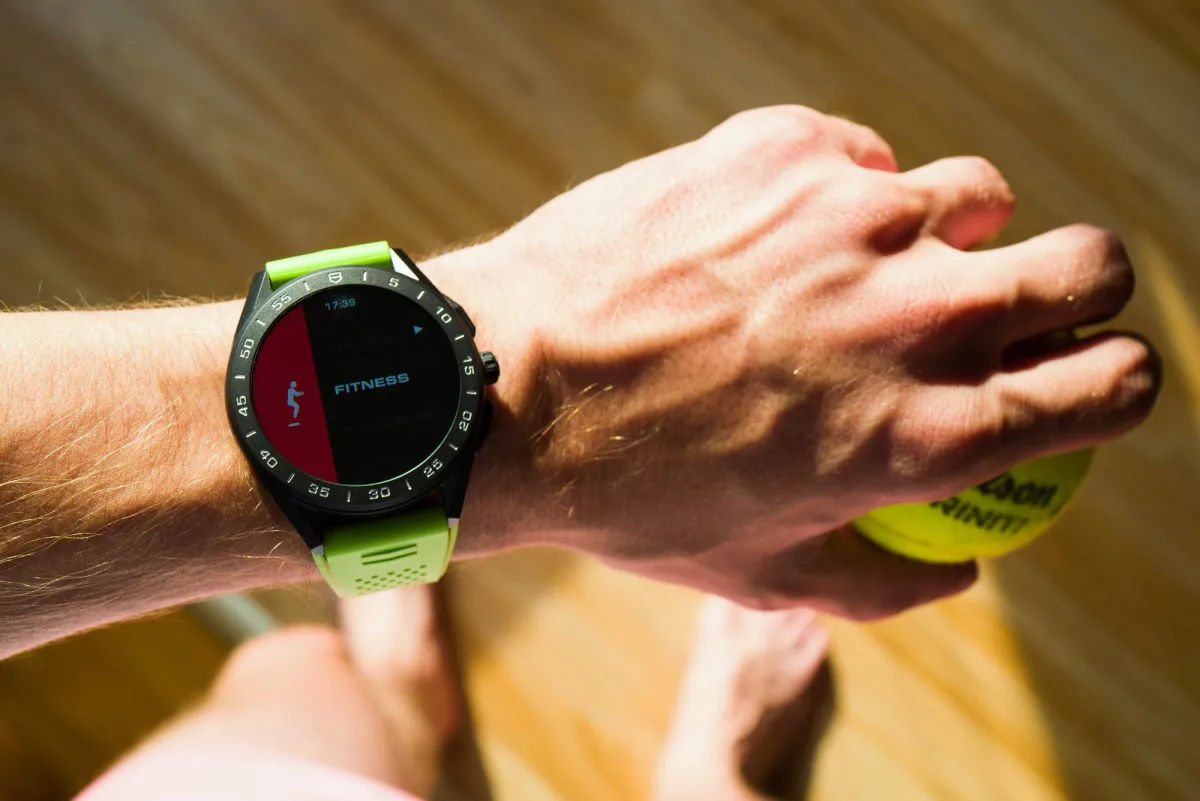
The second case is for those of us who are either not tech-savvy or thought we were... But it turned out that being a T9 ace on old phone keyboards doesn't mean you're equally adept at handling a round 1.39" OLED touchscreen. At the age of 32, I had to face the harsh reality of a T9 SMS battle-hardened ace who now struggles with all these swipes, taps, and crown presses. I can't, and frankly don't want to, remember for each app which side of the screen I should swipe on, when I can rotate the crown to scroll options, and when I can't, when I can use physical buttons, and when not. I need all these things to work the same across different apps - but the reality is, in my experience, they don't, and my brain, I admit, struggles to remember the various gesture patterns that vary from one app to another.
Therefore, for me and people like me, a good smartwatch is one that does many things automatically, on its own, with minimal input.
Unfortunately, and this is more Google's fault than TAG Heuer's, WearOS, developed in Silicon Valley, sometimes requires an absurd amount and variety of inputs. Over the last few years, it has improved significantly, and I must say that my temporary frustration with it is due to it being so good at this point that I see light at the end of the tunnel - a light that implies a convenient, intuitive user interface perfectly aligned across all apps, screens, and inputs. The frustration comes from it not being there yet. And these interface inconsistencies can irritate some, while, frankly, others might not even notice.
Activity and Fitness Tracking
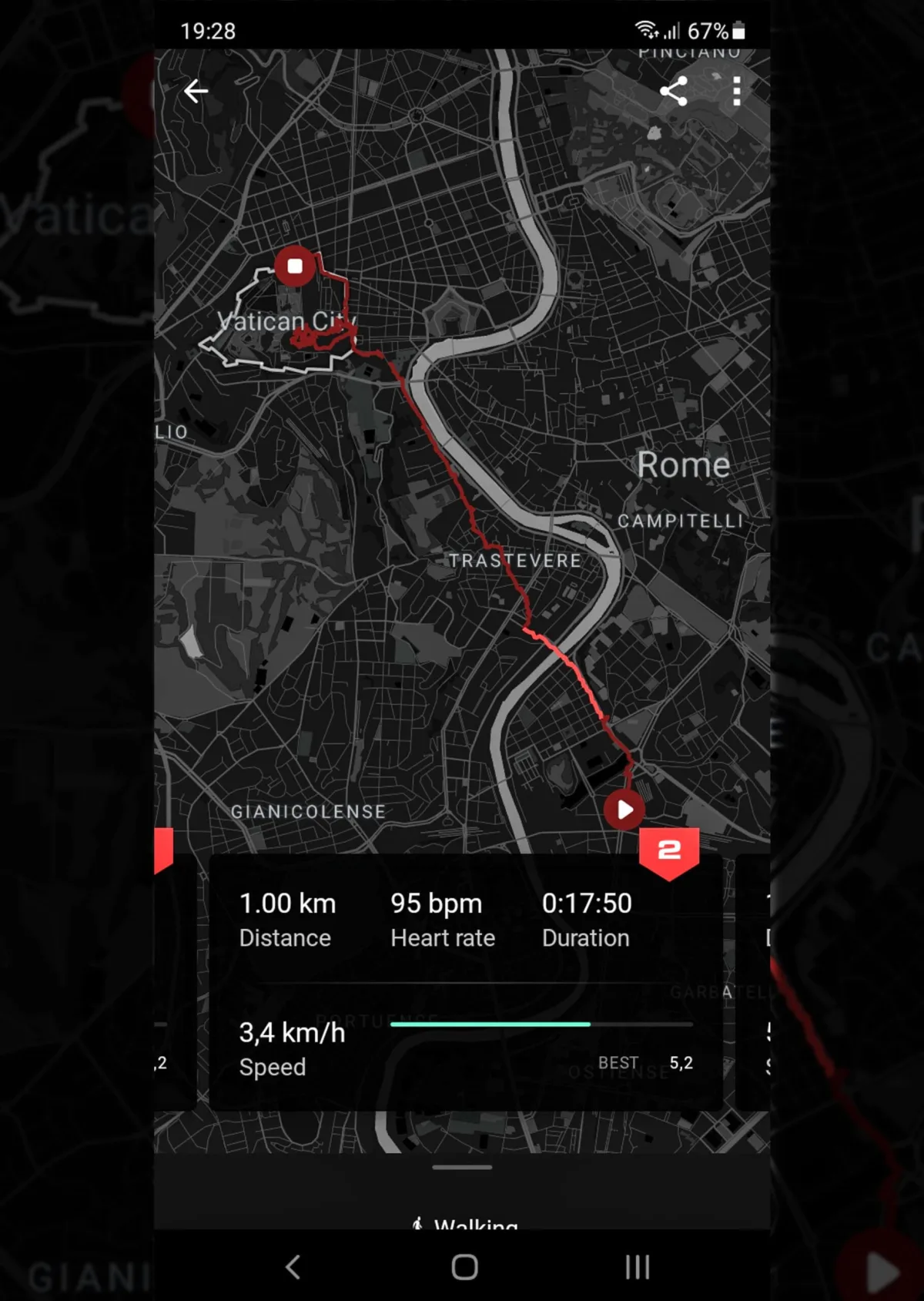
For example, I would like the watch to track my walks, runs (if I did any, ha!), and bike rides without needing to find the right app, then locate the right activity, then choose "GO!" and only after all that, start tracking. I want it to do this constantly, automatically. Perhaps detecting the start of a fitness workout is harder than the start of a walk, run, or bike ride, but I would prefer it to start tracking them immediately. Additionally, it doesn't stop (or even offer to stop) tracking - discovering your session is still ongoing 3-5-7 hours later (because you forgot to stop it), and all the heart rate and performance data is spoiled due to returning to regular life rhythm, is quite unpleasant.
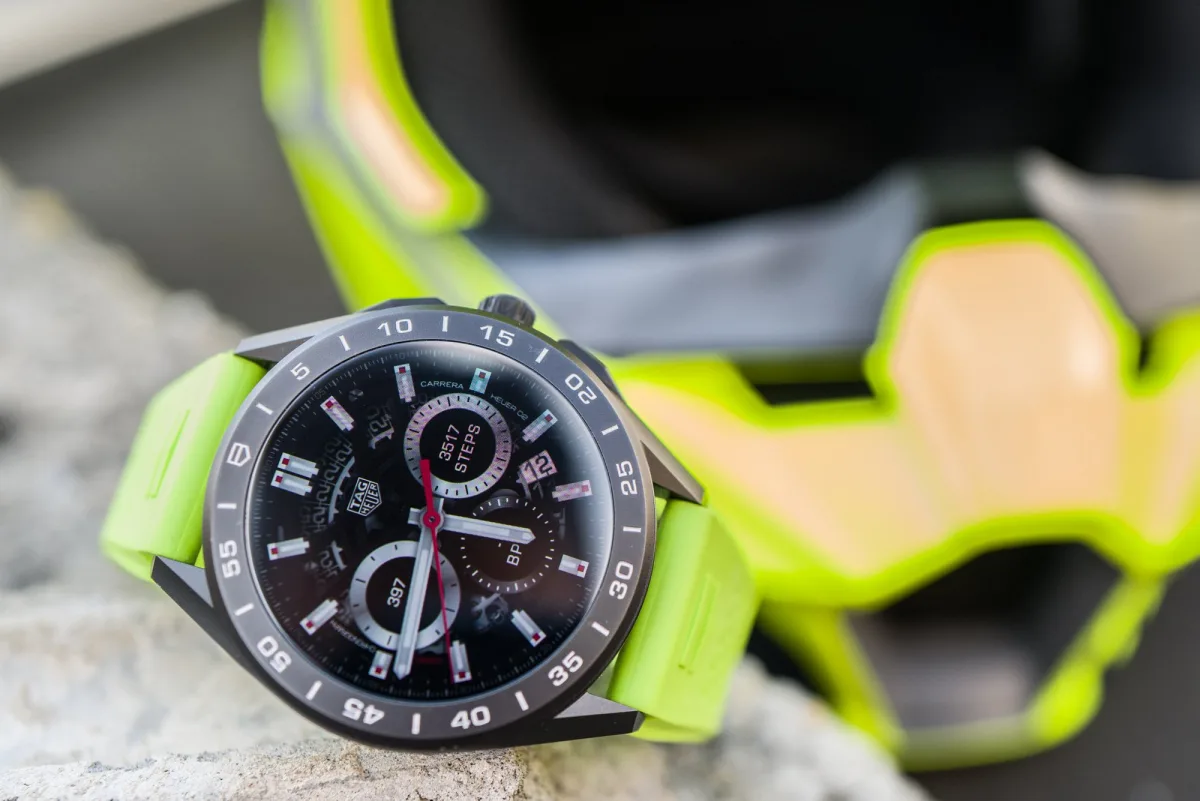
Cycling to a workout four times a week means performing all the aforementioned swipes and taps on the TAG Heuer Connected when starting the bike ride, stopping, starting the workout, and then again when returning home. Three separate activities four times a week, plus daily walks and so on. Forgetting to set up and initiate tracking should be unpleasant not because you can't boast about your results on social media, but because what's the point of tracking your progress daily/weekly/monthly if several sessions are missed, incomplete, or somehow spoiled? All this should happen automatically. I believe the requirement for manual activity tracking initiation is necessary to save battery life (more on that later), and that's fair. But still, I would appreciate something simple, like a movement-based notification asking: "It looks like you're cycling. Want to start tracking?" and "It looks like your session has ended. Want to stop tracking?" It's definitely a first-world problem, but it costs $2,350. For that price, I would expect more activity and less management.
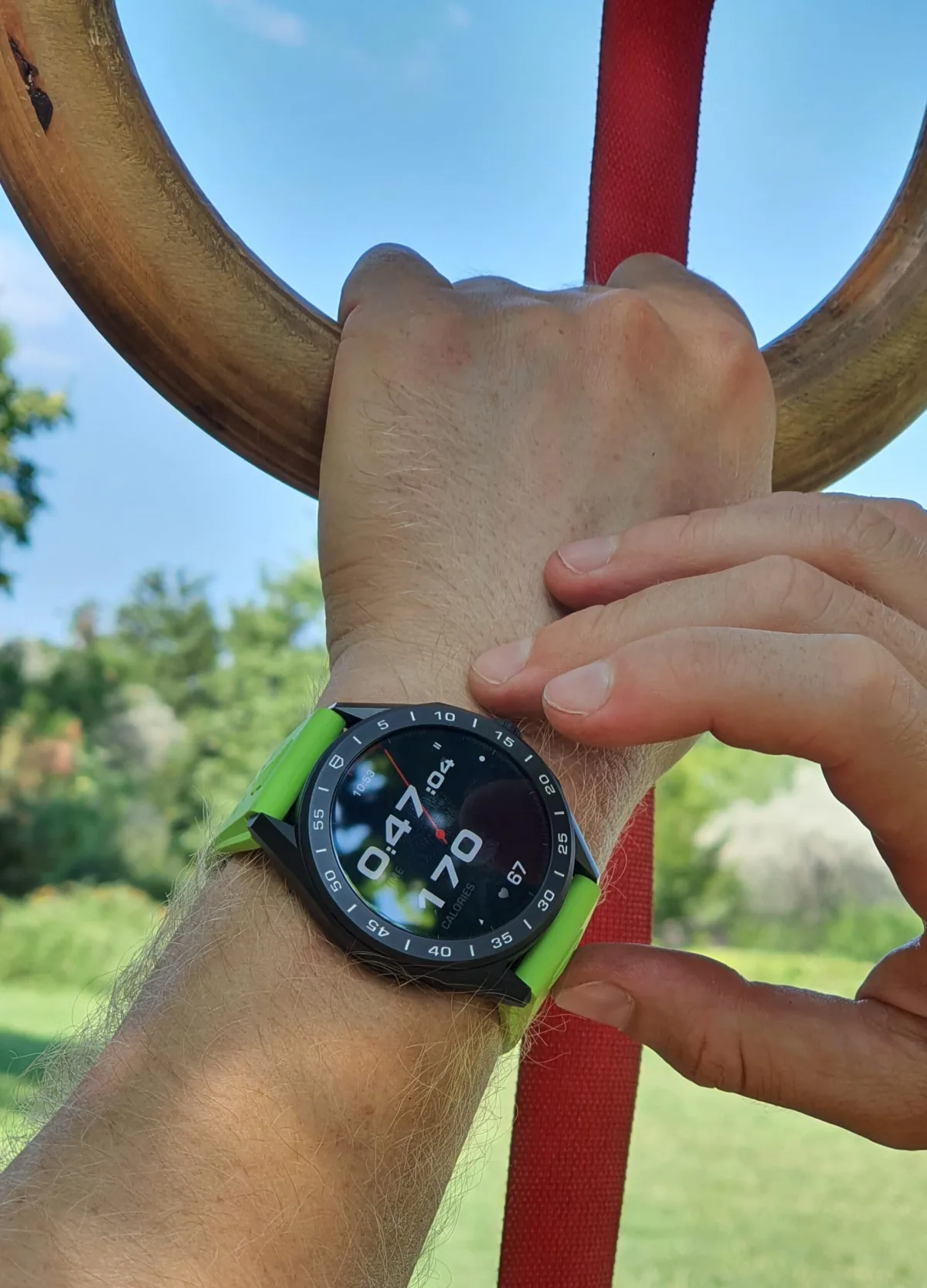
Although navigating requires a lot of swipes, taps, and scrolls, meaning a lot of interaction, I found that most apps simply lack options. Let's say I would like to be able to change various things or learn more about the various displayed information fragments; more often than not, it's simply not possible - there are no submenus or more detailed customization options on the watch itself. It's such a comprehensive experience that I can't single out any one or two apps; the ability to measure heart rate with one tap in the "Health" app, more convenient viewing of detailed or previous health data, quick check of other time zones and transition to other time zones from the main watch face, changing certain device settings... a lot is missing. Sure, this would make the device less orderly and more confusing for some, but in its current form, it often sits between these two extremes. It requires a lot of input and offers limited information.
Timekeeping and Watch Face Customization
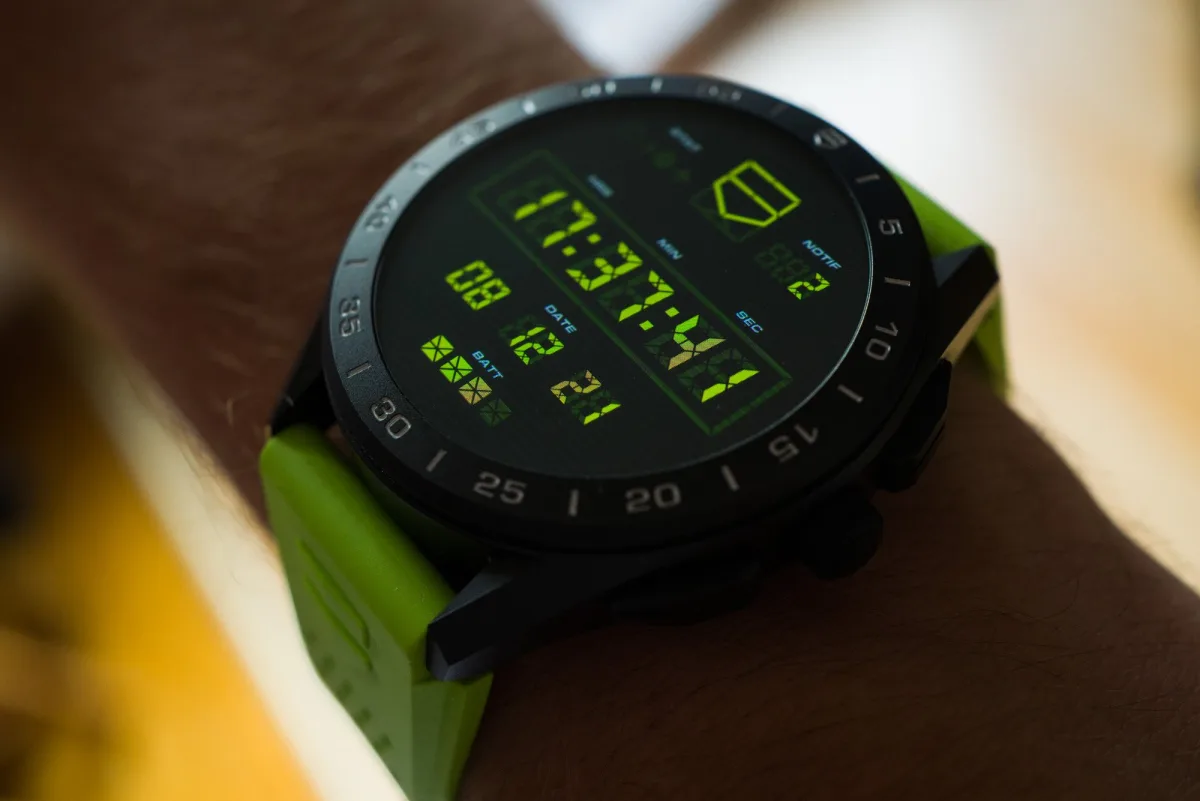
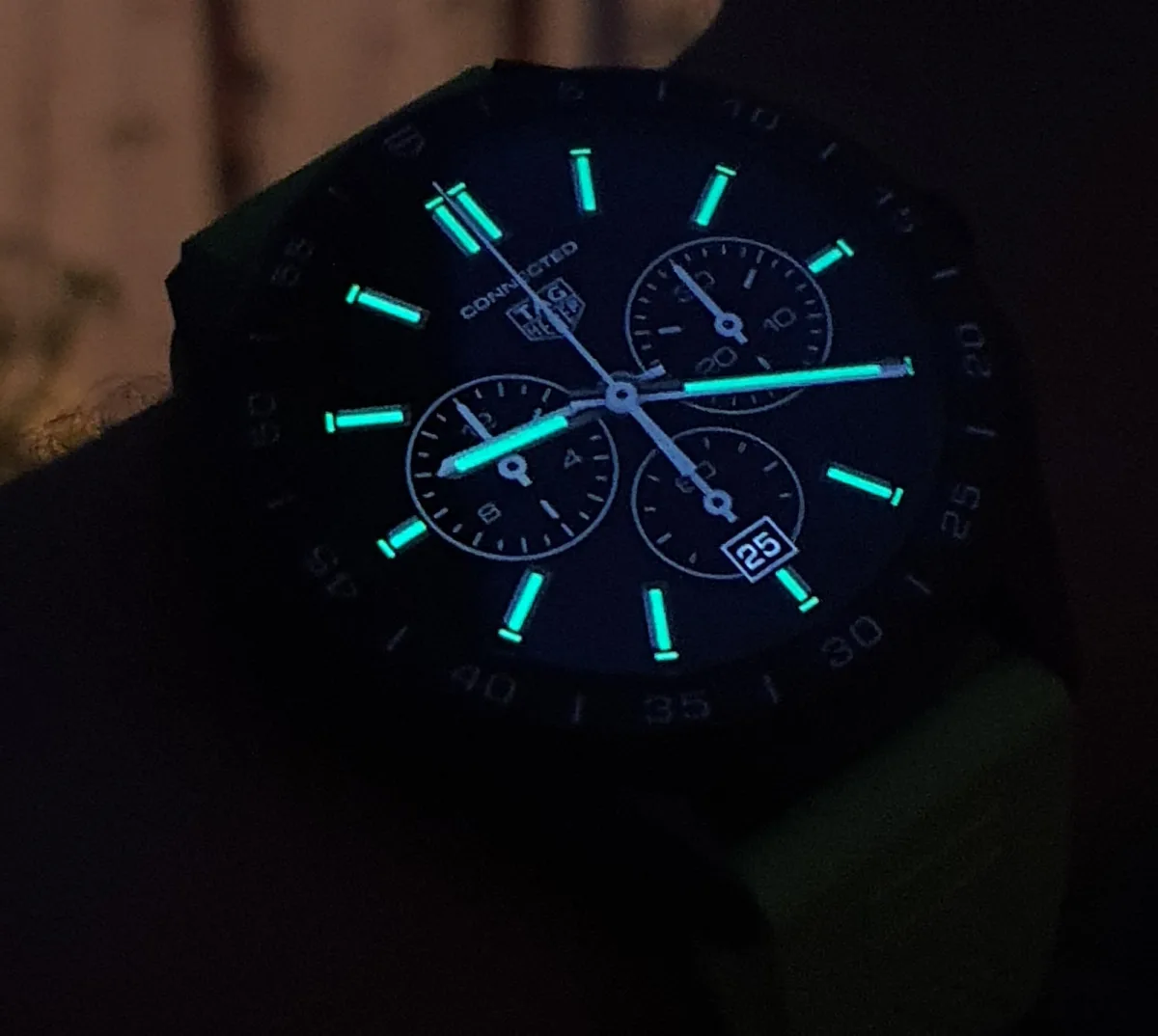
The TAG Heuer Connected smartwatch offers various watch face options. While the colorful display and quirky app screens might seem like technologies bordering on juvenile, on the wrist, they feel more like a normal device/sport watch than a toy for rich kids. If you want to be stylish, the "Classic" and "Heuer02" watch faces will help you completely shed the funky vibe. Particularly charming is that the Always-On mode in the "Classic" version is a glowing version of the familiar Carrera-style display. The large sword-shaped hands and indices glow green and contrast with the black and dark gray areas of the rest of the Always-On display.
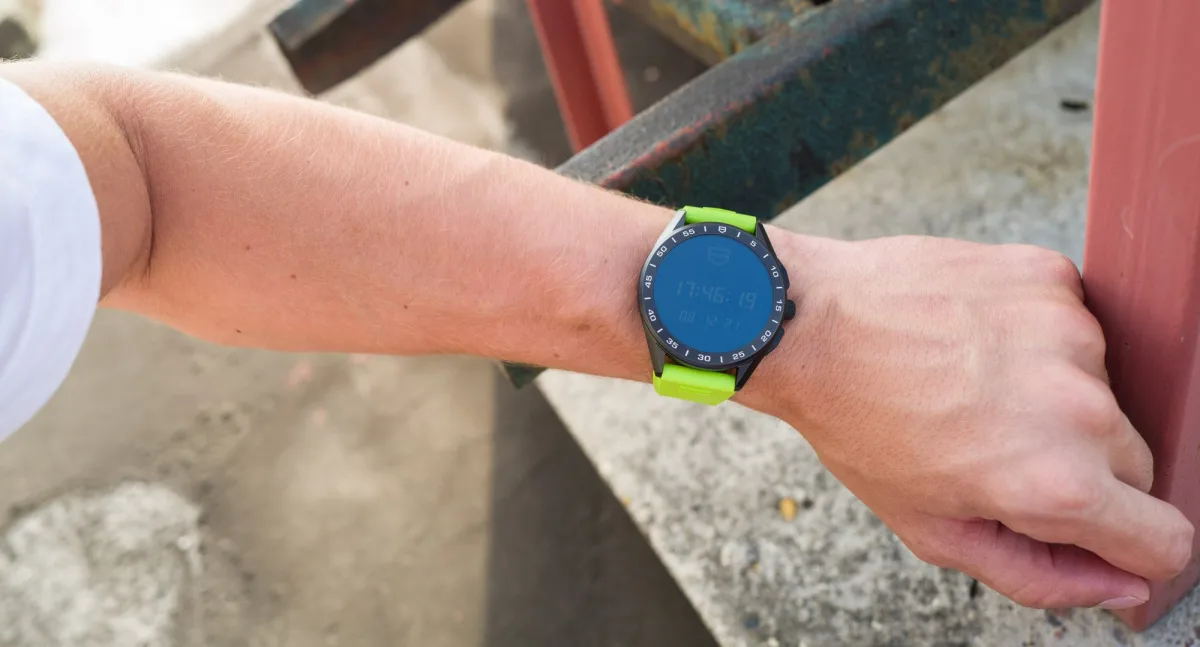
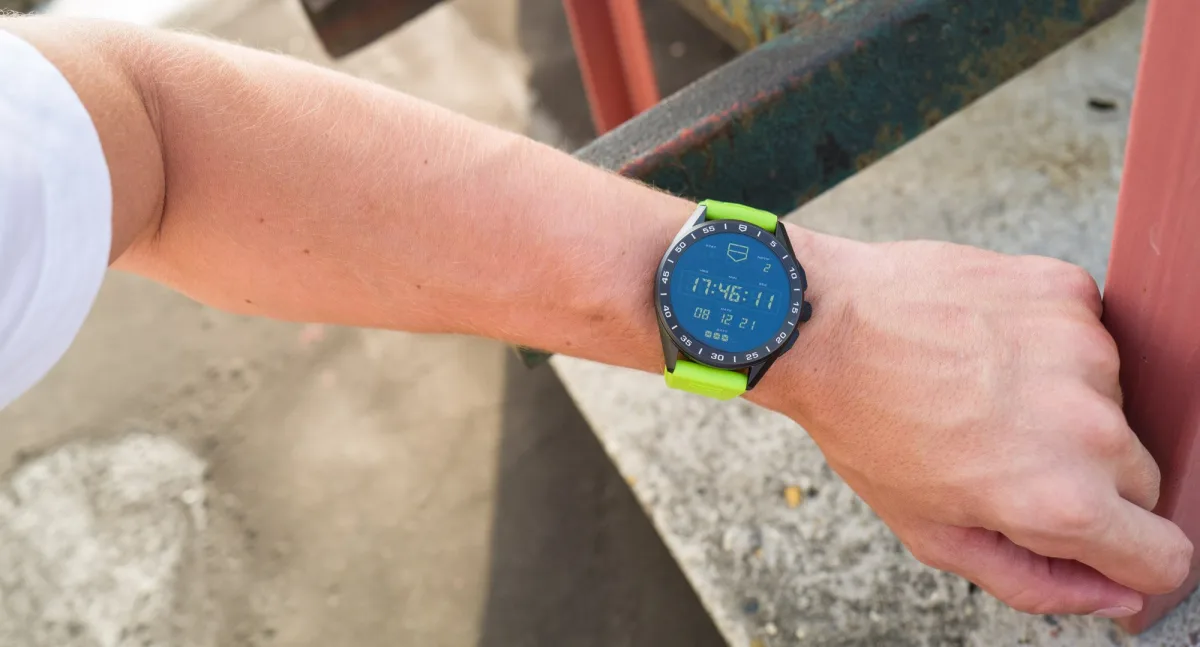
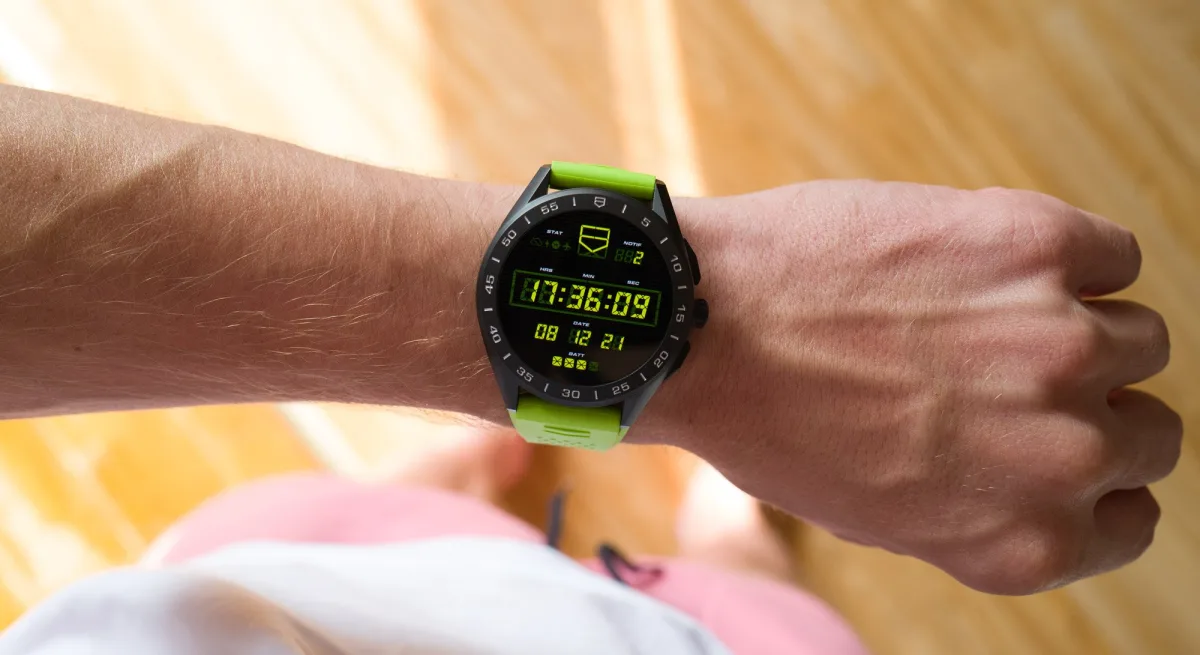
With a tap on the wrist, the display fully lights up - nothing special, as almost all smartwatches do this nowadays - and your chosen familiar TAG Heuer watch face comes to life in full brightness, color, and detail. If you chose a chronograph "face", tap the screen to start the chronograph, tap again to stop, double-tap to reset. It would be great if non-chronograph watch faces could switch between main time and "GMT" time with a double tap. I find it strange that such a popular modern feature (namely, second time zone indication) is absent or so hard to find in a watch that so overtly wants to be real. The overall readability of many of these displays can be improved: One of the coolest watch displays called "Timekeeping" is a digital display emulation, where in the fully "on" mode, the "unlit" digital parts are too bright, meaning there isn't much contrast between the bits displaying the numbers and the bits that should be off. Such nuances.
Battery Life, Notification Handling, and Other Smartphone Features
For almost all demanding smartwatches (with GPS, constant connection to other devices, WiFi, bright display, etc.), it's better to put the device on charge at the end of the day, so it becomes second nature. This didn't cause me much inconvenience - as someone who always takes off their watch when coming home, I don't care if I place it on the shelf or on the charging dock. Getting used to the dock took a few days, but now I can attach it without paying much attention to it. When needed, I could use the TAG Heuer Connected for three full days - but this involved turning off Bluetooth and WiFi and using the watch as an activity tracker - an activity that reliably and automatically synced with my phone as soon as they reconnected, which I definitely appreciated.
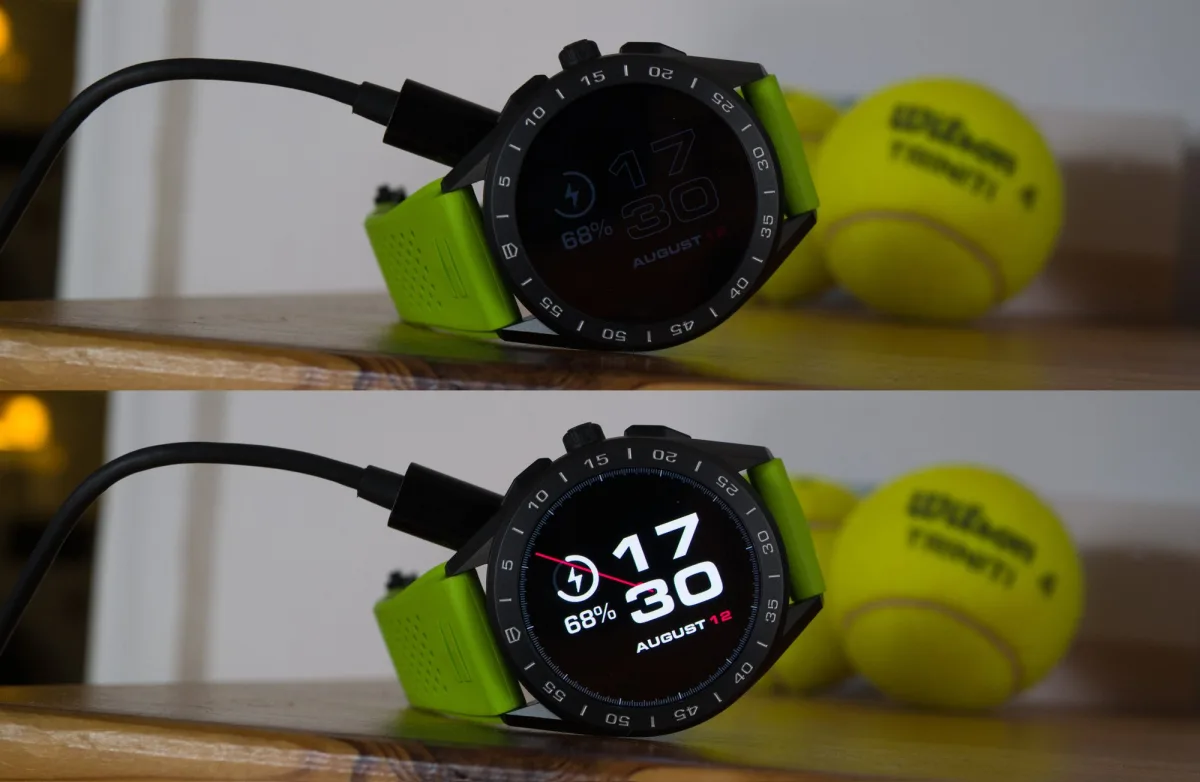
The real headache is the power-saving mode. It almost completely shuts down the watch, leaving you with only a low-brightness, low-resolution display to read the time. Now, to exit power-saving mode, the watch must be connected to a charger, regardless of how much charge is left in the watch. I absolutely do not understand why this is necessary, and it's very frustrating. Without the charger, the watch just displays a "charger image" and won't turn on, even if the charge is at 90%. So, if you for some reason put the watch in power-saving mode, just left the house with the watch on, and want to wake it up (already on the go), you won't be able to use it until you return home to the charger. It's very strange, and I've encountered this at least a few times.
Second question: Why buy expensive smartwatches?
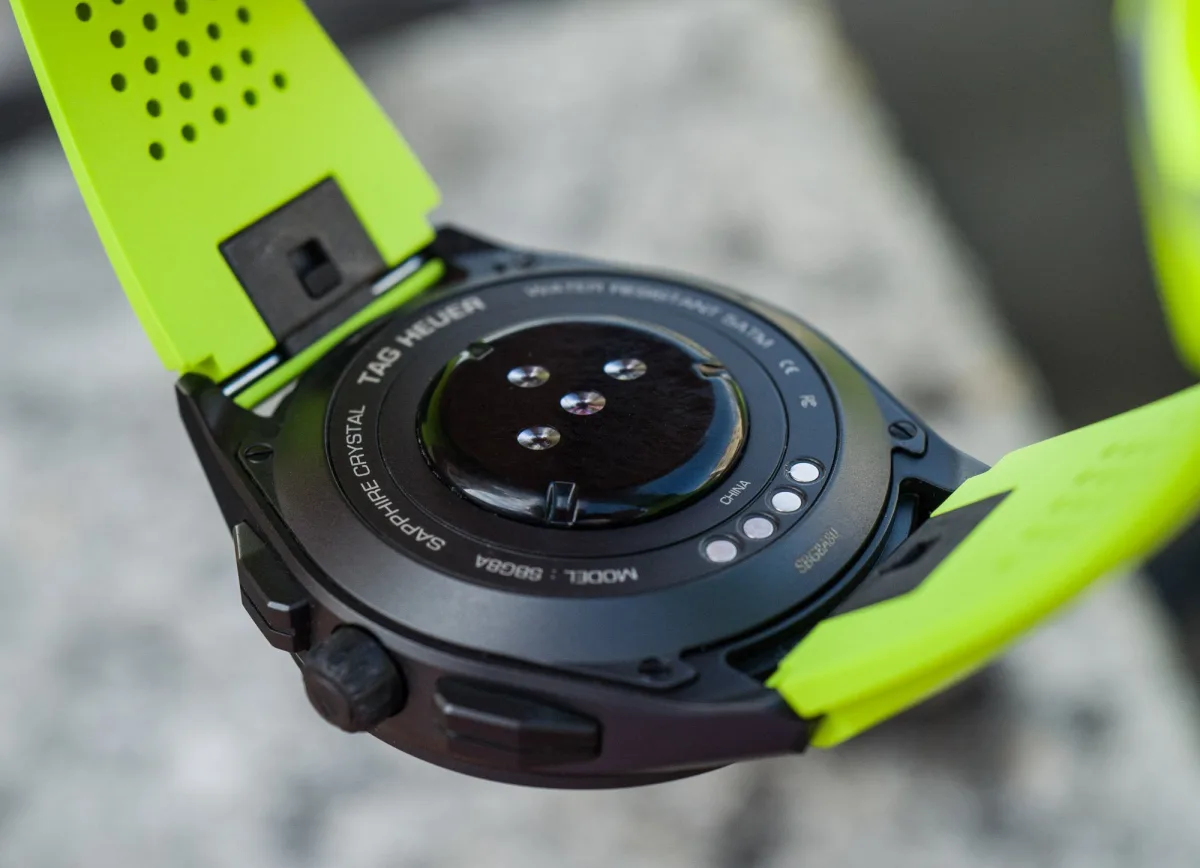
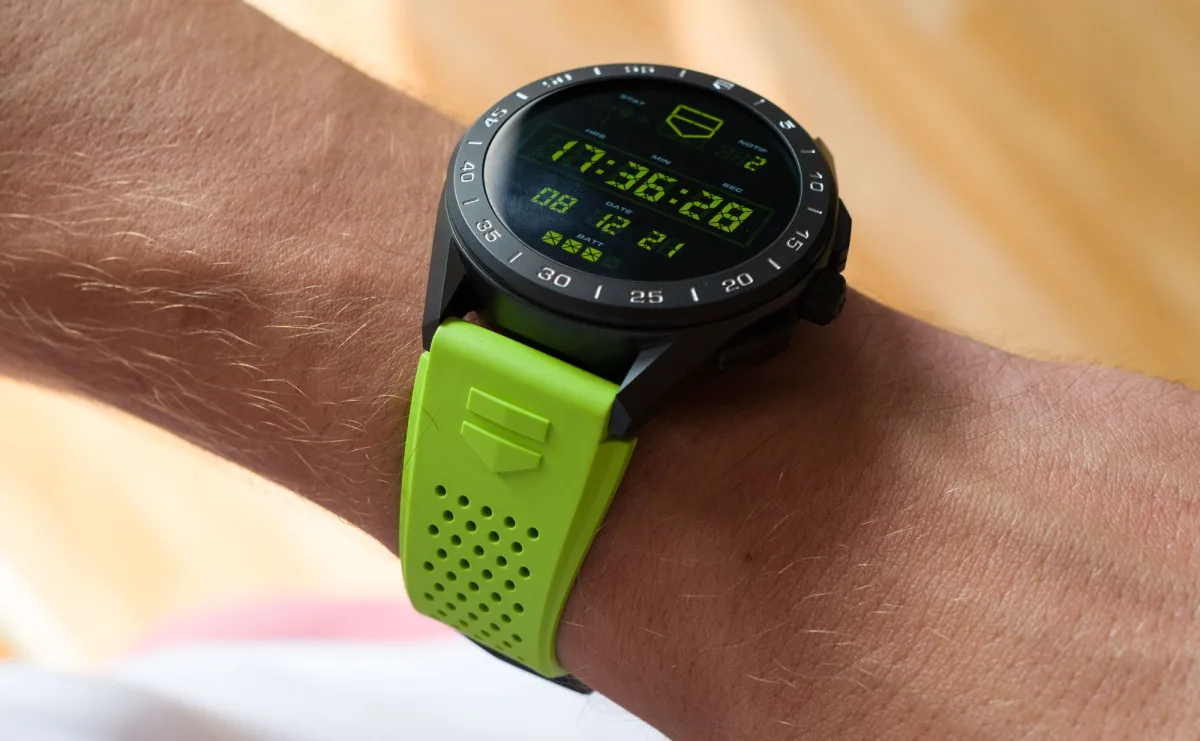
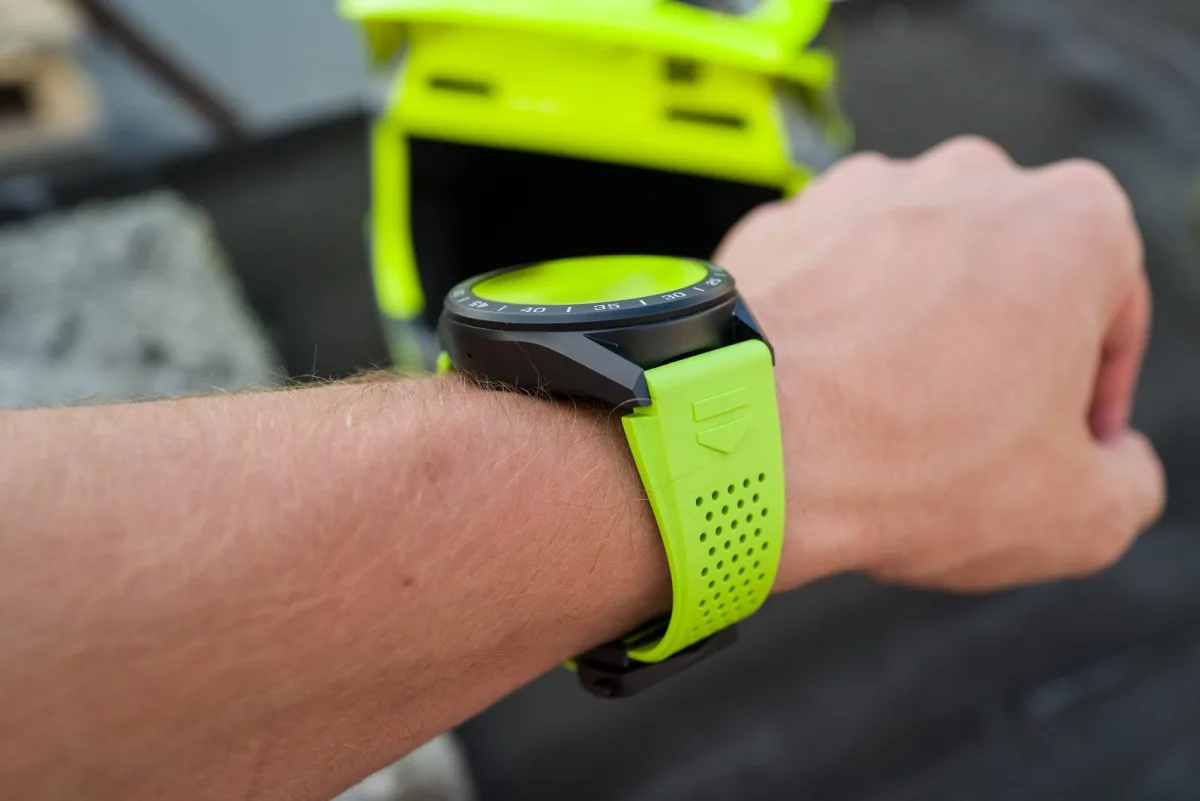
Honestly, at the risk of being seen as a helpless snob, I've enjoyed wearing expensive smartwatches from TAG Heuer. With a titanium case and black coating, clasp, and neon-green strap (other strap colors are available), there's something about them that looks and feels refined and solid even for someone fully accustomed to wearing what watch snobs haughtily call 'proper' watches.
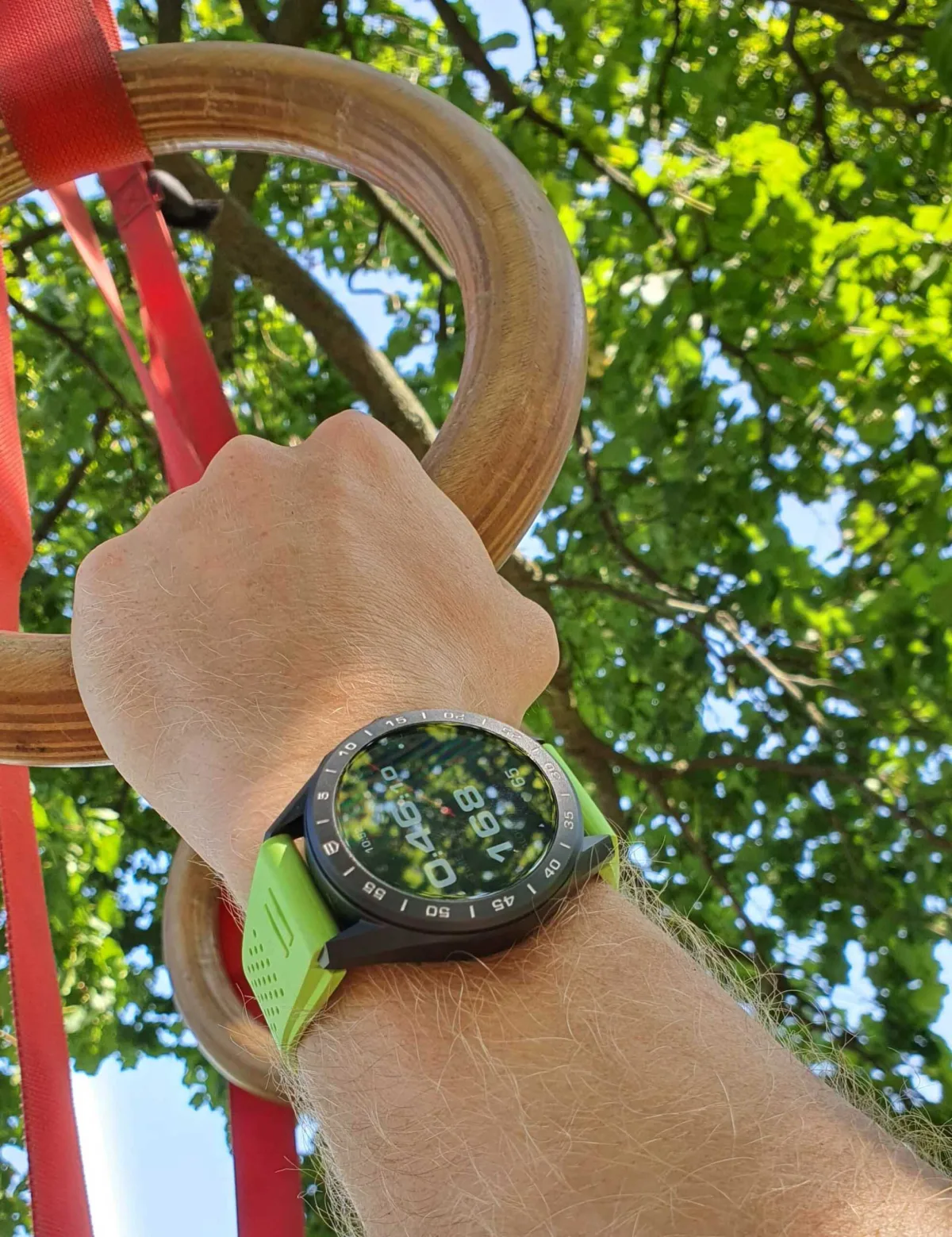
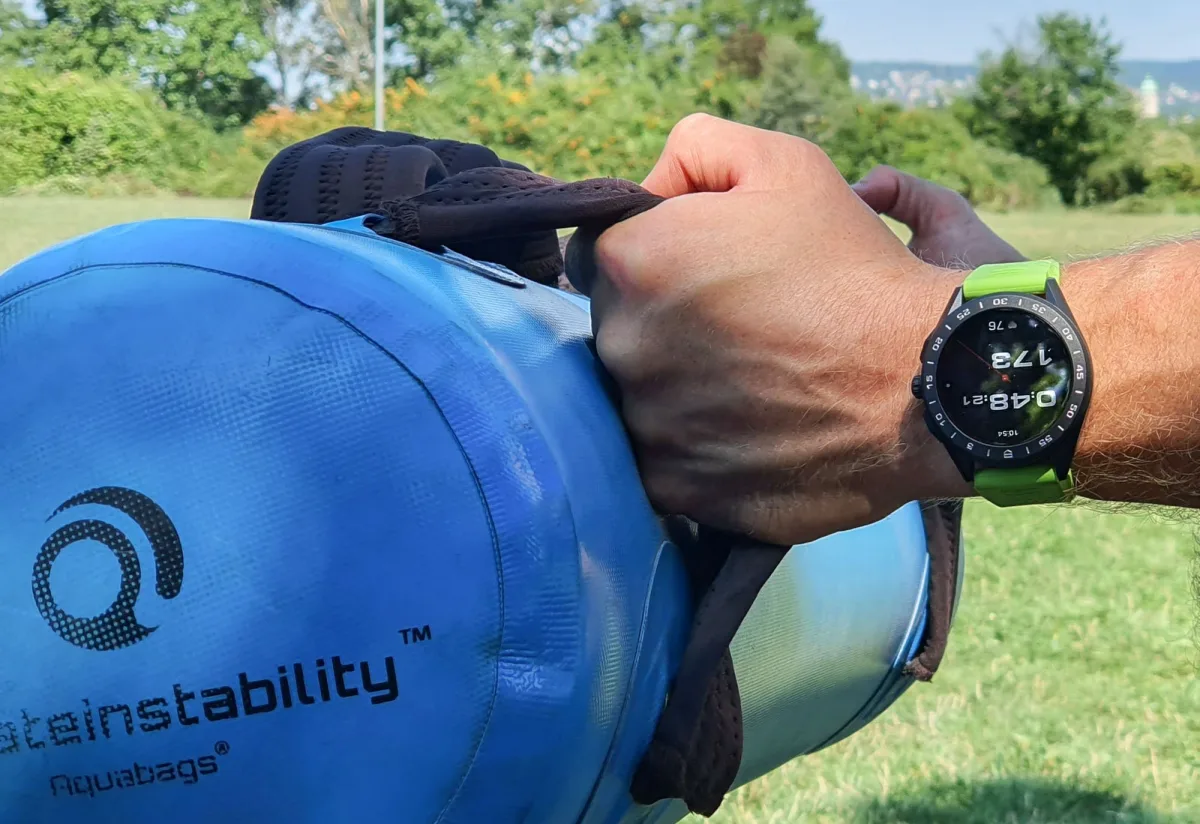
One area where the Connected truly excels is durability. When I first put this black-coated titanium case on my wrist, I raised an eyebrow or two since I had previously encountered both extremely durable and disappointingly fragile watch coatings. With gyms closed due to COVID, my trainer has been conducting 3-4 weekly outdoor workouts since late 2020. We haven't returned to the gym since, climbing trees, using various weights, sandbags, vests, gymnastic rings suspended on trees, and so on. Additionally, I've been cycling to the place we've more or less made our own over this time. Going through all this over the last six weeks (adding this section to the review on the last day), the TAG Heuer Connected watch still looks new, which, frankly, is amazing. All smartwatches owned by my family and friends, except for the Apple watches with sapphire coating, look like a dog's dinner after a month or two of such wear - and this level of durability is definitely something most cheap smartwatches can't offer.
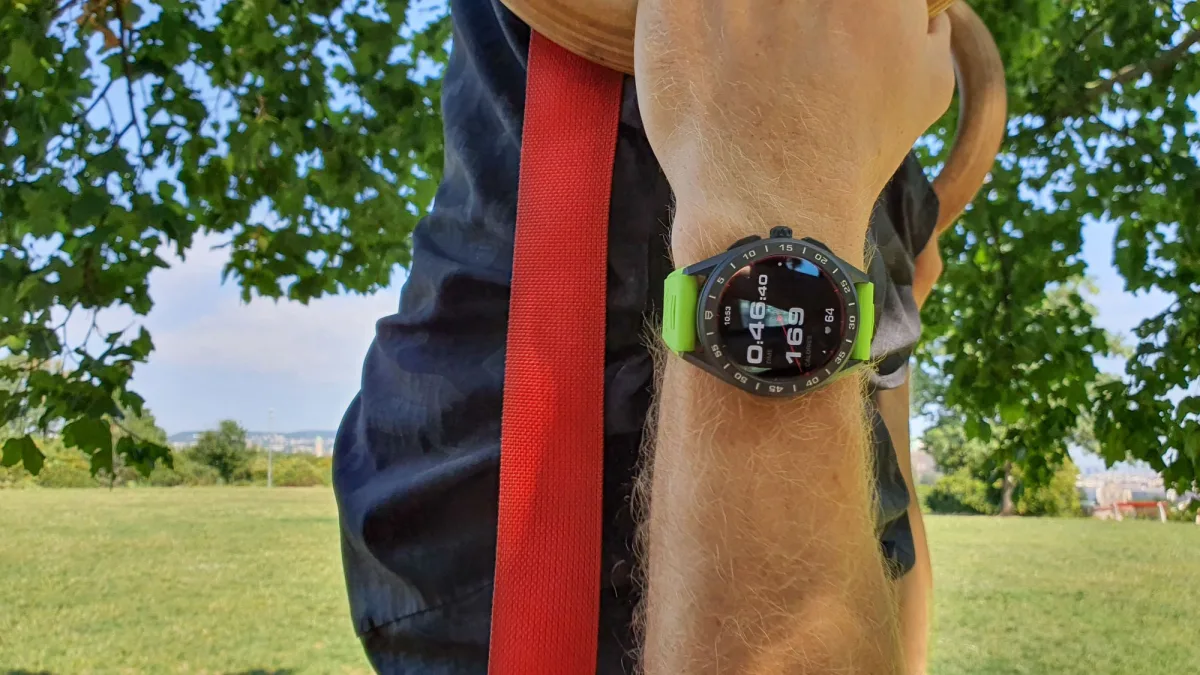
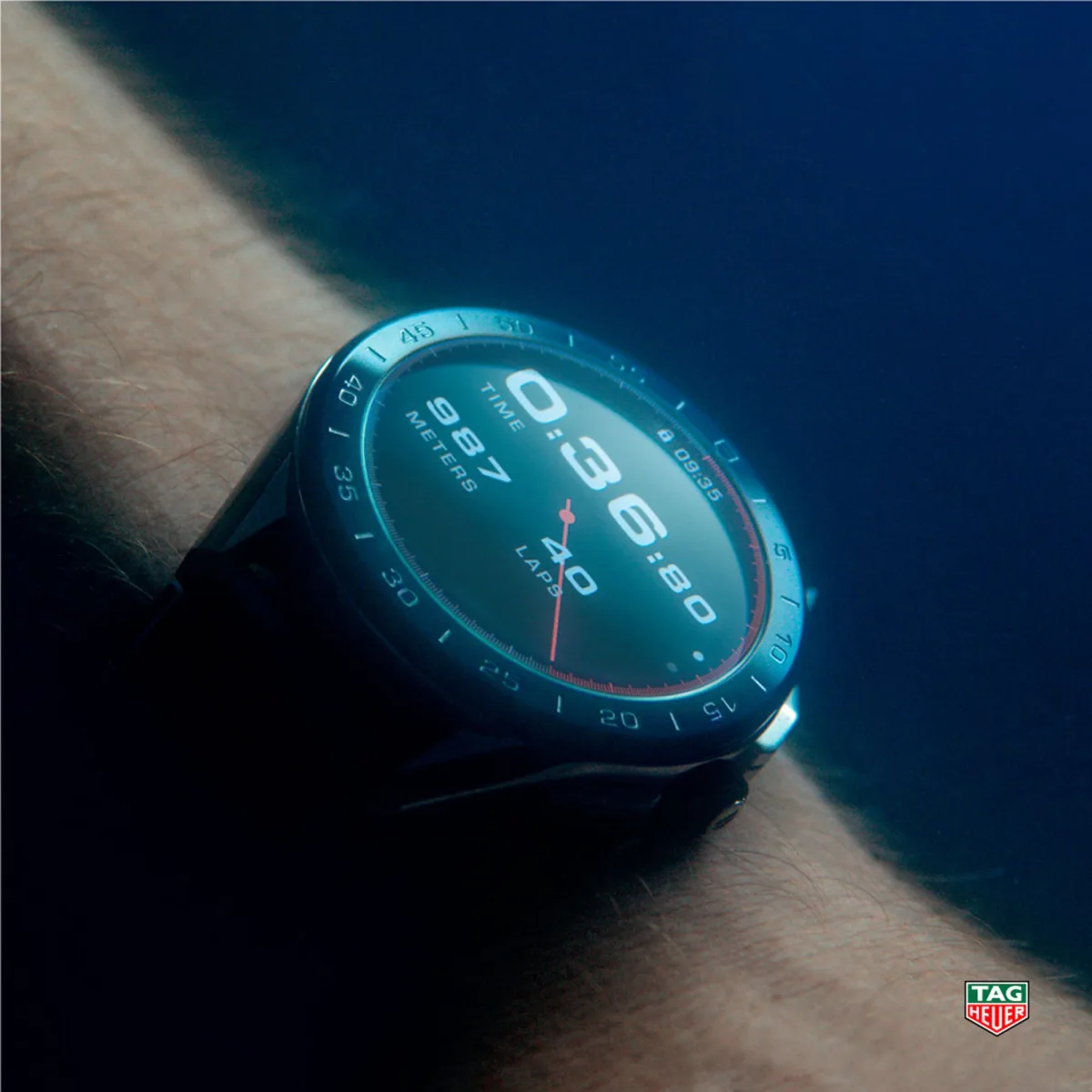
TAG Heuer has truly excelled in the exterior execution of the TAG Heuer Connected titanium watch. It has proper edges and neat surfaces, unlike the potato-like images of many other titanium watches in this price range. I was pleased to discover the excellent water-repellent coating on the display - a little-discussed specification - making every time I wear the Connected in the pool feel different. Literally, within seconds of taking the watch out of the water, all droplets roll off the screen as if it was never wet. Very cool and very useful. The touchscreen, or rather the software controlling it, is exceptionally adept at ignoring water droplets and other unwanted impacts, making TAG Heuer's ads showing the Connected being worn for serious swimming activities even more plausible.
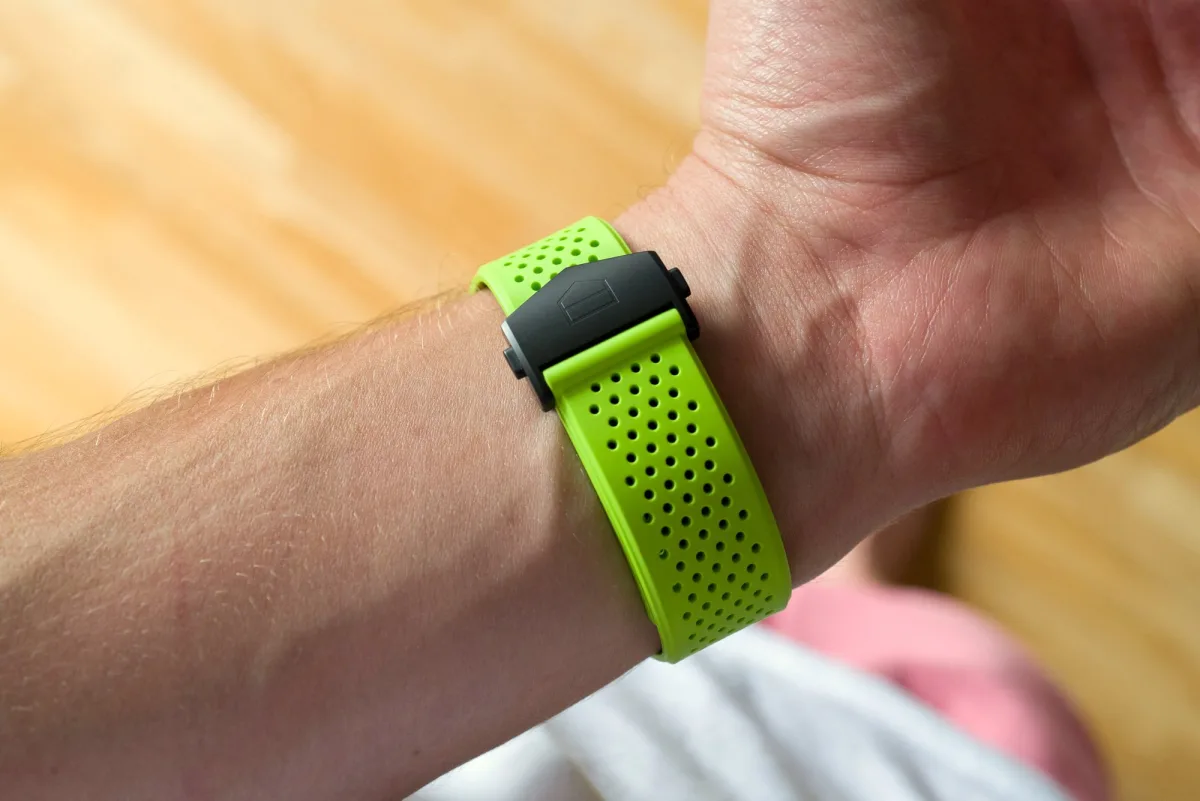
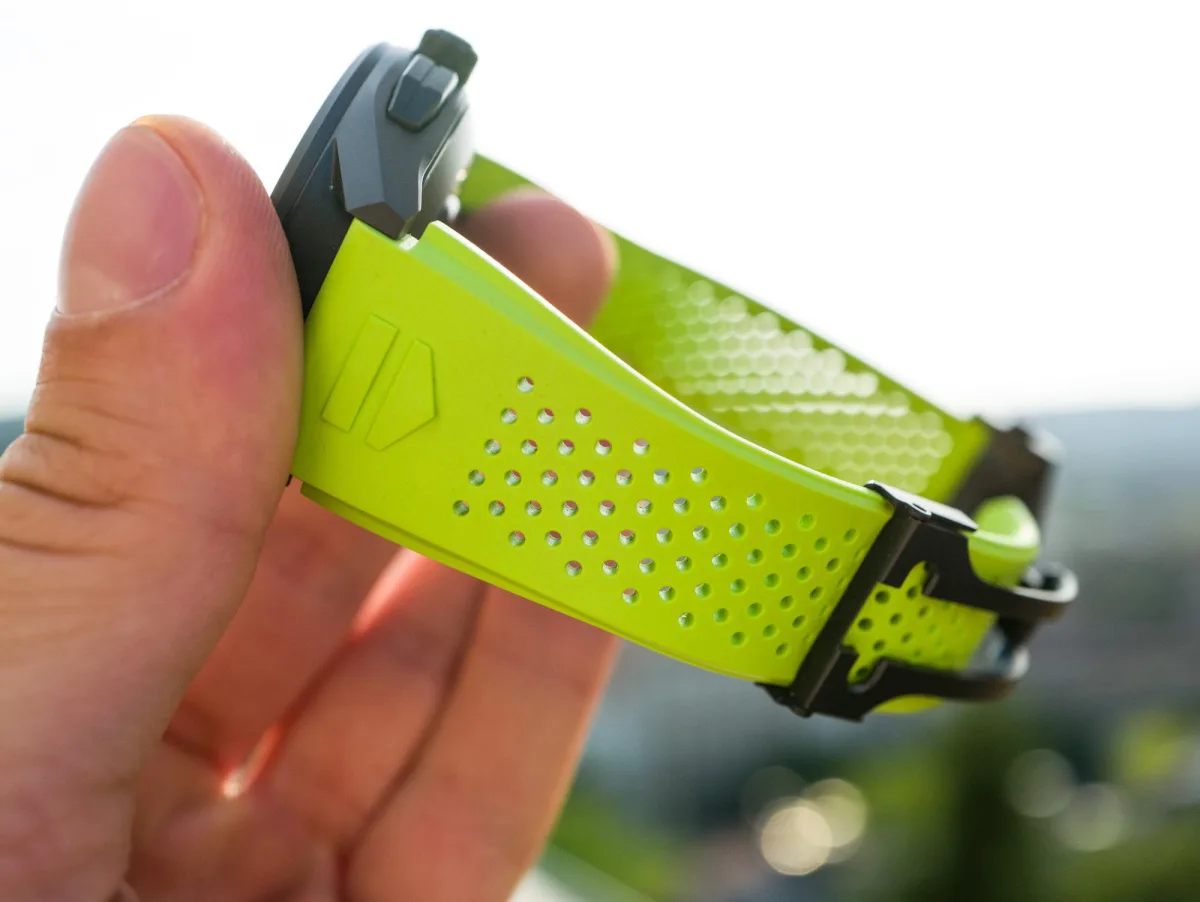
In conclusion, I will reverse this question and say: "Why buy expensive regular watches?" For many buyers, it's build quality, wearing experience, and status - and any watch significantly more expensive than others should offer noticeable improvements in at least one or more of these three areas. The TAG Heuer Connected does just that: It feels much nicer than regular Android smartwatches; it at least attempts to offer a more comfortable wearing experience through specially developed TAG Heuer Fitness apps; and it definitely surpasses all alternative models, as it has the TAG Heuer shield on both strap ends (right next to the watch head where they are visible), in the bezel center, and recognizable TAG Heuer watch face options displayed on the screen. Whether these upgrades justify the additional expense is up to each individual to decide.
Summary
In conclusion, the TAG Heuer Connected watch looks and feels great, and its construction is good enough to appeal to watch enthusiasts used to regular watches. However, being made from sleek black titanium, they are pricier than many regular quartz and automatic watches offered by TAG Heuer. The software part still needs significant refinement in all areas - if these bugs and limitations are fixed, I can definitely see myself wearing the Connected on weekdays and for workouts. For now, if I were to spend $2,350 on a TAG Heuer watch, I wouldn't pass up the Aquaracer Calibre 5 for the exact same amount (on a steel bracelet) or save $600-700 and get the quartz version.
TAG Heuer is very close to creating a smartwatch, and by going down this path, it carries the flag of the Swiss watch industry. The software shortcomings of the Connected, in my experience, are inherent in all other smartwatches - and there are hundreds of thousands of happy smartwatch users for whom they are not as bothersome as they are to me. If you like what current smartwatches can do and want the best, most high-end wearing experience, the TAG Heuer Connected is something you should consider. If you're still unsure about smartwatches, what they do, and how they do it, I would advise waiting another year or two. The price of the TAG Heuer Connected 2021 smartwatch in a black titanium case is $2,350 USD - TAG Heuer Connected smartwatch prices start at $1,800 USD. More information about the TAG Heuer Connected can be found on the brand's website.
Essential Data
>Brand: TAG Heuer
>Model: Connected smartwatch SBG8A80.BT6274
>Price: $2,350 USD
>Dimensions: 45mm width, 14.5mm thickness, and 53mm lug-to-lug.
>When the reviewer would wear it personally: On weekdays for health and fitness tracking.
>Friend we would first recommend them to: Not new to the smartwatch world, looking for a high-end offer.
>Best feature of the watch: Looks great on the wrist. The watch is durable, comfortable, and well-made even during workouts, cycling, and swimming.
>Worst feature of the watch: The user interface requires confusing input and often offers insufficient depth of data and settings.